How to launch an AI startup website in a day
A realistic one-day plan to launch an AI startup website from a template: pick pages, rewrite copy, swap mock-ups, deploy, add a domain and check it.
You can launch an AI startup website in a day if you start from a complete template, not a blank page: pick the template by the pages you need, rewrite the copy, swap the demo product content for yours, settle pricing and legal pages, deploy the static files to a host and point your domain at it. The design work is already done, so the day goes on words, content and checks.
This is the plan we would follow for a founder who needs a credible site by tonight. It assumes you have a product name, a one-sentence description, a rough idea of pricing and a domain you can log in to. It does not assume you can write code, although a coding agent helps a lot in the middle of the day.
Hour 1: choose the template by the pages you need
Most people choose a template by its hero. Choose it by its page list instead. A beautiful home page with no pricing, security or changelog page means you spend the afternoon designing pages, which is exactly what you are trying to avoid. Write down the pages a buyer in your category expects, then pick the template that already has them.
| Your product | Pages buyers look for | Template to start from |
|---|---|---|
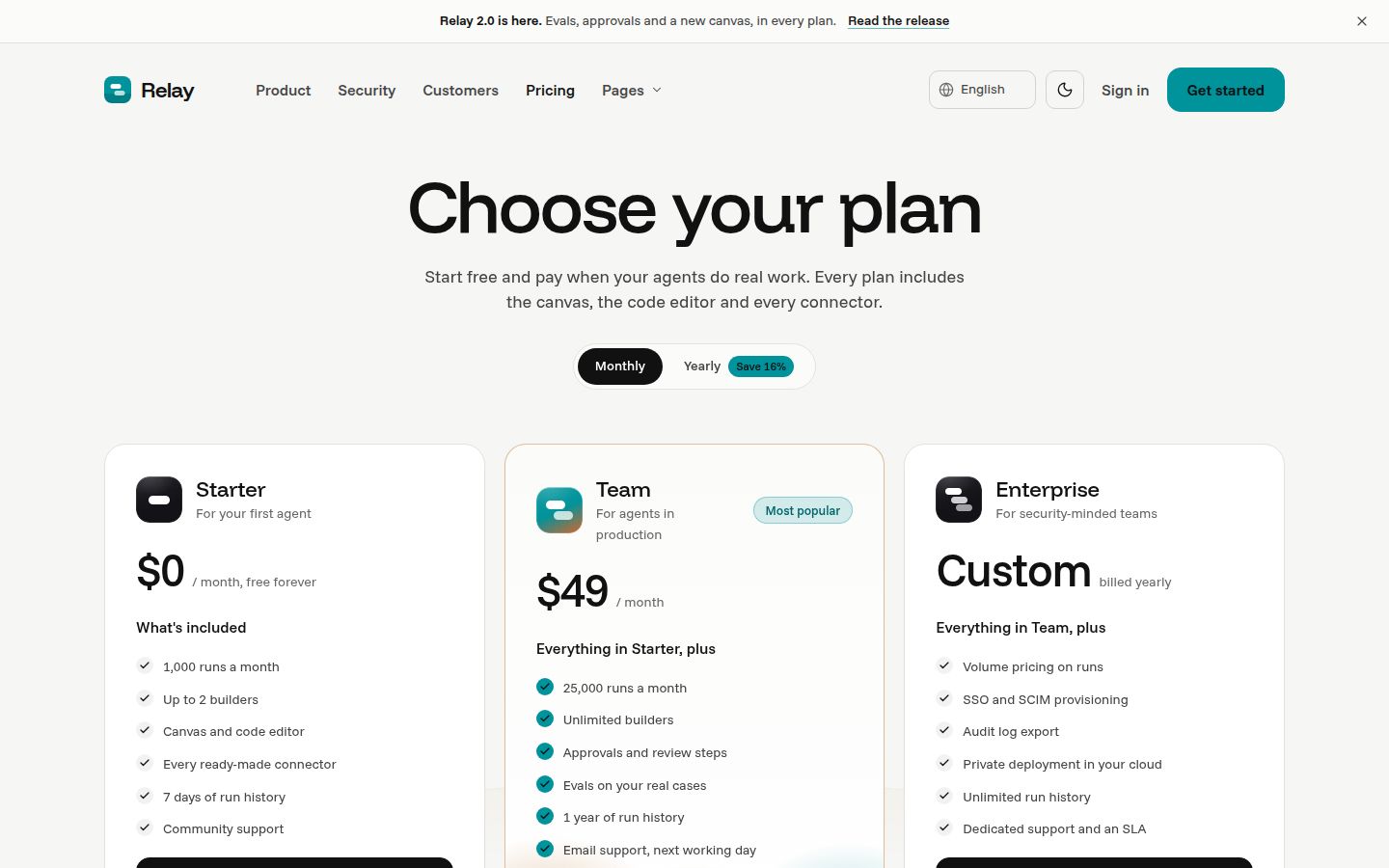
| AI agent or workflow platform for developers | Code samples, integrations, pricing, changelog | [Relay](templates/relay.html) |
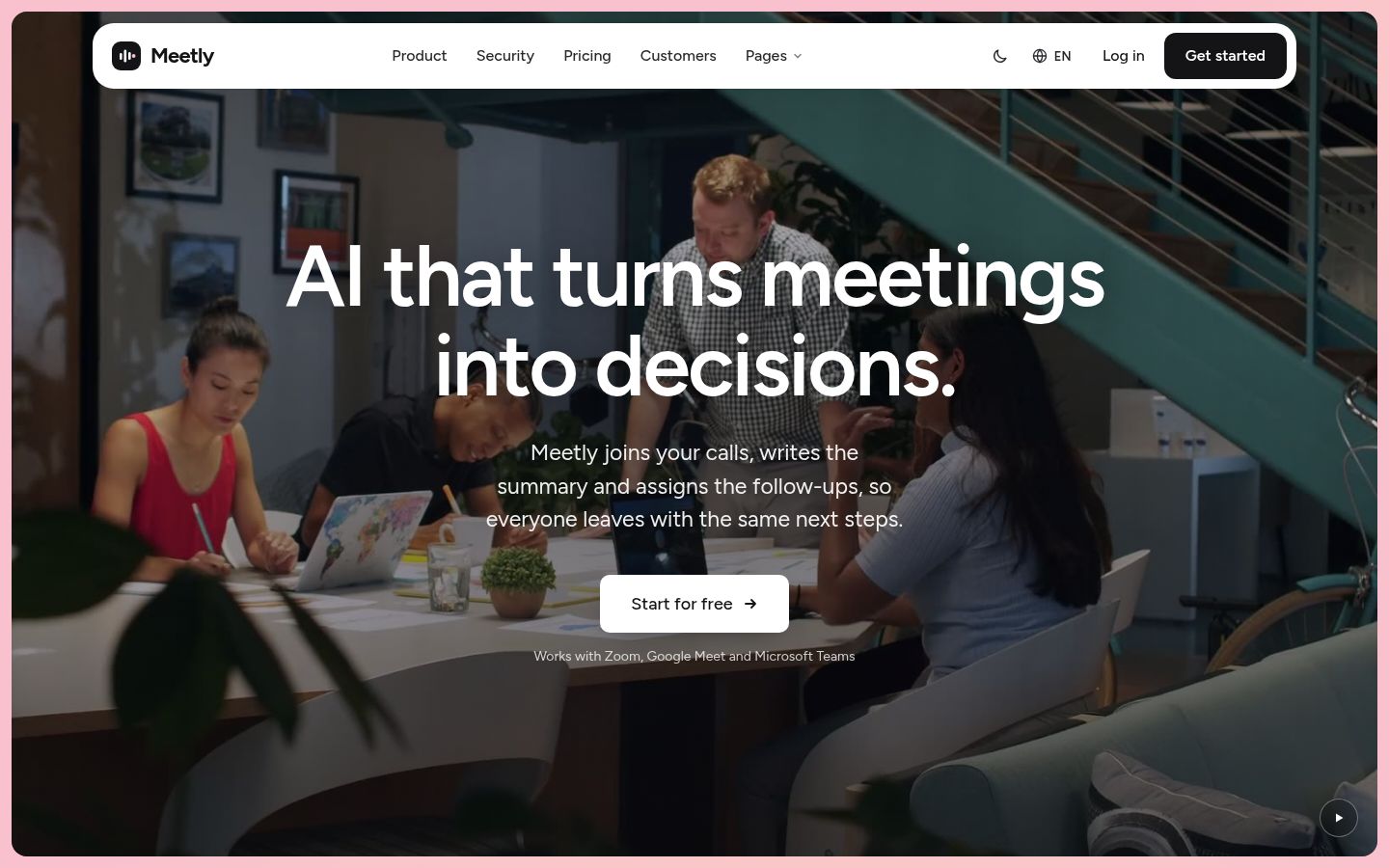
| AI meeting or productivity tool | Product, pricing with plan comparison, security, integrations | [Meetly](templates/meetly.html) |
| AI inbox or sales agent | Trust and permissions, calculator, agent vs doing it yourself | [Tidewell](templates/tidewell.html) or [Foray](templates/foray.html) |
| AI code review or devtools | Docs, changelog, roadmap, download | [Foldline](templates/foldline.html) |
| Applied AI lab with research and an API | Research, paper page, API page, safety and trust | [Halden](templates/halden.html) |
| AI support assistant | Product, integrations, pricing, team | [Merrow](templates/merrow.html) |
If your product is an agent, browse the AI agent website templates first; for anything else in the category, the wider AI website templates collection is the place to compare page lists side by side. Our 33-page checklist explains why the boring pages (404, sign in, licences, coming soon) matter more on launch day than a third hero variant.
Pick the format at the same time. For a one-day launch, the HTML edition is the shortest path: static HTML, CSS and JS that any static host serves as is. If your team already lives in Framer, Webflow or an Astro codebase, our post on which format to buy covers the trade-offs. Check the template page for which formats are ready today; formats marked soon are in production and included when they ship.
Then delete what you will not use. Every template ships three home pages: keep one and remove the other two from the navigation now, before you start editing, so you are not tempted to maintain all three.
Hours 2 to 4: rewrite the copy
Copy is the real work of the day, and it is where most one-day launches go wrong. The layout was designed around headline lengths, button labels and feature titles of a certain size. Keep your words close to those lengths and the design holds.
Start with the try-with-your-brand preview
Every template page has a form: your company name and one sentence about what you do. The live demo rewrites its brand name, hero, buttons, navigation and feature titles with your copy, written by Claude, and nothing you type is stored. Use it as a first draft, not a final one. It is fast to see whether the template's structure suits your story, and you can copy the lines you like into your working file. How the preview works has the details.
Then write the rest with a coding agent
For the full site, a coding agent such as Claude Code or Cursor in agent mode can rewrite page copy across many files in one pass while you review each change. Give it a short brief with your positioning, three proof points, your plan names and the words you never want on the site. Our guides on editing a template with Claude Code and using a template in Cursor cover the setup.
If you bought a template with a prompt pack, there is a second route: paste the one-message prompt into the agent and it fetches the page specs, assets and reference screenshots and rebuilds the site in your project folder. That suits teams who want the site inside their own codebase from day one. The prompt page explains what the agent receives.
A few copy rules that save time:
- Write the home page hero last. You will know what to say after you have written pricing and product.
- Keep every claim you cannot prove off the site. No invented customer counts, no logo walls of companies you have not worked with.
- Replace every demo testimonial, customer story and team member. The people and companies in our demos are fictional and must not ship on a real site.
- Read the page out loud at its real width. If a headline wraps to four lines, cut it.
Hours 4 to 5: replace the mock-up content
The product visuals in our AI templates are built as editable HTML, not screenshots. Meetly's recap, transcript and task views, Relay's code samples and run player, Tidewell's inbox and approval flow: all of it is markup you can edit. That is what makes a same-day launch realistic, because you change text inside the mock-up rather than commissioning new product shots.
Work through them in this order:
- Change names, numbers and labels in the hero mock-up so they match your product's real vocabulary.
- Update code samples, if the template has them, to your real install command and API shape. A developer will copy them.
- Remove any mock-up that shows a feature you do not have. An empty space is better than a promise.
- Swap logos, the favicon and the social image for yours.
Keep images and fonts that came with the template where they still fit: each template's licences page lists them with their sources, and every one is either ours or free to use commercially.
Hour 6: pricing, legal and the basics
Pricing is the page serious buyers open early, and it is the one founders leave until last. Fill it in properly even if your pricing is simple: plan names, what is included, the limits that matter and one call to action per plan. If you are not ready to publish prices, say how pricing works and offer a demo, rather than shipping placeholder numbers. Our breakdown of SaaS pricing page anatomy goes deeper.
Then the basics that are easy to forget:
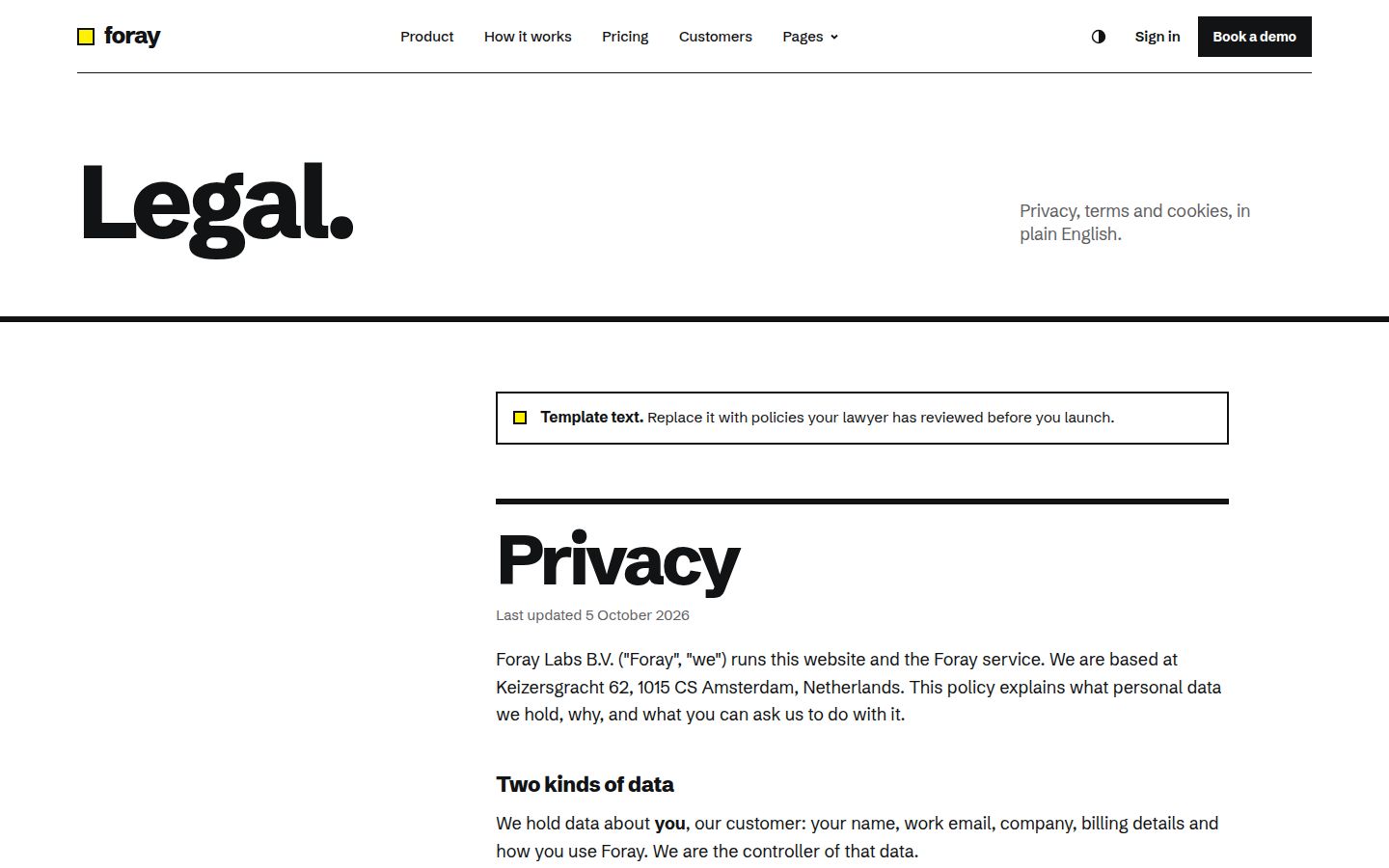
- **Legal**: a privacy policy and terms that reflect what your product actually does with data. Templates give you the page; the words need to come from you or your lawyer.
- **Contact**: a working form or a plain email address. Test the form's success state and make sure submissions land somewhere a person reads.
- **Security or trust page**: AI buyers ask where data goes and who can see it. If the template has a security or trust page, fill it with what is true today.
- **404 and coming soon**: already designed, so just update the copy and links.
- **Meta tags**: a title and description for every page you keep, plus the social image.
Hour 7: deploy, domain and analytics
An HTML template needs no build step, so deploying is uploading a folder. Two common routes:
- Netlify Drop lets you drag a project folder or zip file onto a page and get a live URL.
- Cloudflare Pages Direct Upload accepts a zip file or a single folder of prebuilt assets through drag and drop, or uploads through the Wrangler CLI.
Both take a static folder as is. If you later move the site into Astro or another framework, you upload the build output folder instead; our guide on moving an HTML template to Astro walks through that.
For the domain, add it in the host's dashboard and follow its DNS instructions. On Cloudflare Pages, for example, you open the project, choose Custom domains and set up the domain there. DNS changes can take a while to settle, which is why this step sits in the afternoon rather than at 11 pm.
Add analytics last, once the domain resolves. One lightweight script in the shared head is enough for launch day: you want to know which pages people visit and where they drop off, not build a dashboard. Check your privacy policy mentions whatever you install.
Hour 8: pre-launch checks
Do these on the live URL, not on your laptop:
- Click every link in the header and footer on every page you kept. Removed pages leave dead links behind.
- Open the site on a phone at around 390px wide. Check the menu opens and closes, nothing scrolls sideways and buttons are big enough to tap.
- Toggle light and dark mode if your template has both, and check your new images and logos work on both backgrounds.
- Submit every form and confirm the message arrives.
- Search the whole project for leftover demo names, fake prices and placeholder emails.
- Run a quick accessibility pass: alt text on your new images, heading order, visible focus states. Our accessibility checklist is a fast way through it.
- Share the URL in a chat app and check the social preview shows your image and title.
Note: One day gets you a credible, complete site. It does not get you a finished one. Plan a second pass a week later with real visitor questions in hand.
The fastest start is a template that already has your pages and product visuals you can edit. If you are launching a meeting or productivity product, Meetly ships 33 pages, light and dark mode, and HTML, Astro and prompt pack editions ready today.
Changelog
- 2026-10-05: first published