How to edit a website template with Claude Code
A practical workflow to edit a website template with Claude Code: a CLAUDE.md with design rules, prompts that work, diff review and phone-width checks.
To edit a website template with Claude Code, open the template's HTML folder in a terminal, put it under git, add a CLAUDE.md that states the design rules, then ask for small, specific changes and review every diff before you accept it. Check each page at phone width as you go. The agent does the typing; you stay the art director.
That last sentence is the whole method. A good template is a set of decisions about type, spacing, colour and rhythm. Claude Code is very good at following decisions it can read, and it will cheerfully invent new ones if you leave it guessing. Everything below is about making the decisions readable and the changes reviewable.
What you need before you start
- The HTML edition of a template, unzipped into its own folder. HTML is the easiest format for an agent to edit because every page is a file it can read in full.
- Claude Code installed and signed in.
- Git, so you can see and undo every change.
- A browser with device emulation for phone-width checks.
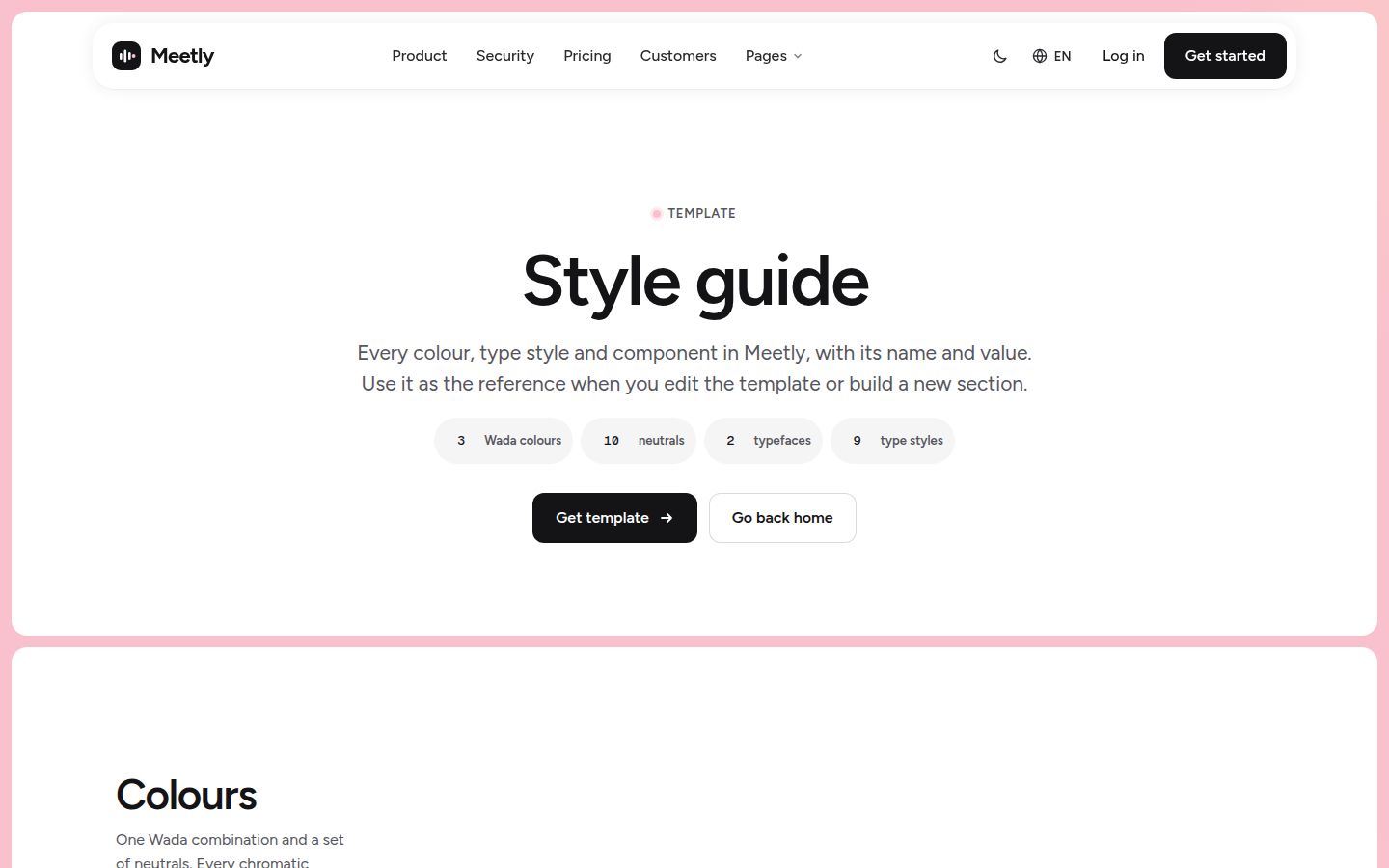
If you have not picked a template yet, the Claude Code website templates collection lists the ones we have prepared for this workflow. Throughout this post we use Meetly as the example: 33 pages, light and dark mode, with product visuals built as editable HTML.
Open the template folder and commit it as delivered
Before the agent touches anything, commit the template exactly as you received it. This gives you a clean baseline to diff against and a one-command way back.
cd meetly-html
git init
git add -A
git commit -m "Template as delivered"
claude
The last line starts an interactive session in that folder. Ask Claude to read the start-here page and the style guide first, and to summarise how the pages share the header, footer and styles. You are checking that it understands the structure before it edits anything.
Write a CLAUDE.md with your design rules
Claude Code reads a CLAUDE.md file at the start of every session. According to the memory documentation, a project file can live at `./CLAUDE.md` or `./.claude/CLAUDE.md`, the `/init` command can generate a starting version from the codebase, and files are best kept under 200 lines, because longer files consume more context and reduce adherence. The docs also note that Claude treats these instructions as context, not enforced configuration, so specific and concise rules work best.
Run `/init`, then rewrite the result so the design rules are explicit. Here is the kind of file we would keep for a template:
# Site rules

## Structure
- Static HTML, CSS and JS. Do not add a framework, build step or package.
- Every page shares the same header and footer markup. When you change one, change all pages and list them.

## Design
- Colours, type sizes, spacing and radii come from the CSS custom properties in the main stylesheet. Never hard-code a hex value or pixel size that has a token.
- Do not add new colours or fonts. If something needs a new token, ask first.
- Light and dark themes are both token sets. Every change must work in both.
- Keep headline length close to the original. If new copy wraps to more lines than the original at 1440px or 390px, shorten it and tell me.

## Content
- Product mock-ups are HTML. Edit their text, do not replace them with images.
- Do not invent customers, numbers or testimonials.

## Checks
- After each change, list the files touched and what to check in the browser.
Keep personal preferences, such as your local URLs, in a `CLAUDE.local.md` instead; the docs describe it as the place for project-specific notes you do not commit.
Prompts that work
The prompts that produce clean diffs share three traits: they name the file or section, they say what must not change, and they ask for one outcome. Compare:
| Vague | Specific |
|---|---|
| Make the home page about my product | In home.html, rewrite the hero headline, subtext and two buttons for an AI meeting tool for legal teams. Keep each line within a few characters of the current length. Do not touch the layout. |
| Change the colours to our brand | Change the accent token to #2b59ff in both theme token sets. Show me every place the old accent was used as a hard-coded value instead of a token. |
| Add a FAQ | Add a FAQ section to pricing.html using the same section spacing, heading style and accordion pattern already used on the page. Six questions, answers under 50 words. |
| Clean up the site | List pages we are not using and every link that points to them. Do not delete anything yet. |
For larger jobs, such as removing two of the three home pages and fixing every link, start in plan mode. The permission modes documentation explains that plan mode has Claude research and propose changes without editing your source, and that you enter it by pressing Shift+Tab or by prefixing a prompt with `/plan`. Read the plan, correct it, then approve it.
Our post on writing a landing page for an AI product helps with what to say; this post is about getting it into the files cleanly.
Review every diff
Claude Code's permission modes decide how often it stops to ask. In the default (manual) mode it asks before most edits and shell commands, which suits a first session on a new template. Once you trust the pattern, `acceptEdits` lets it edit files without asking, and the docs suggest it when you want to review changes in your editor or with `git diff` afterwards. Shift+Tab cycles between modes during a session.
Whichever mode you use, review at the level of the whole change:
- Run `git diff --stat` to see which files changed. A copy edit that touched the stylesheet deserves a look.
- Read the diff for hard-coded colours, inline styles or new class names that duplicate existing ones.
- Open the changed pages in the browser in both themes.
- Commit with a message that says what changed, so you can revert one step later without losing the rest.
Note: If a change looks wrong, say what is wrong and ask for a fix in the same session rather than editing by hand. Claude keeps the context of why it made the change.
Check every page at 390px
Desktop screenshots hide most template breakage. Long German headlines, a fourth nav item, a pricing table with an extra column: they all look fine at 1440px and fall apart on a phone. Serve the folder locally so links and scripts behave as they will in production:
python3 -m http.server 8000Then open `http://localhost:8000` in a browser, switch on device emulation and set the width to 390px. Check the menu, every section with a grid, tables, forms and any mock-up with fixed-width content. If something breaks, describe what you see to Claude and name the viewport width.

Two other routes: prompt pack and MCP
The prompt pack route
If you would rather Claude Code builds the site into your own project than edit our files, the prompt pack format does that. You paste one short message into Claude Code; the agent fetches the entry document, the page specs as Markdown, the assets and the reference screenshots from our store with your licence key, and builds the project folder itself. A key only works for templates you bought. This only works in a coding agent, because a chat app cannot fetch files and build a folder. Meetly, Relay, Mordant, Merrow and Northwind have prompt packs ready today; the prompt page has the details.
The same CLAUDE.md approach applies afterwards: once the site exists, write down its rules before you start changing it.
The MCP route
The third option is to give Claude Code our sections, design tokens and page blueprints as tools through the Frontier MCP server, so it can pull a real pricing section or a token set into whatever you are building. Add it with:
claude mcp add frontier -e FRONTIER_LICENSE_KEY=ft_your_key -- npx -y @frontiertemplates/mcpThe Claude Code MCP documentation explains the `--` separator and the `-e` flag for environment variables, and `/mcp` inside a session shows whether the server is connected. Free sections work without a key. Our post on the design MCP server for coding agents and the MCP page cover what it returns and where it helps.
Which route to pick
- **Edit the HTML template** when you want our site with your words and brand, quickly. This is the route for most launches.
- **Use the prompt pack** when the site must live in your own codebase and stack from day one.
- **Use the MCP server** when you are building or extending a site and want proven sections and tokens instead of improvised ones.
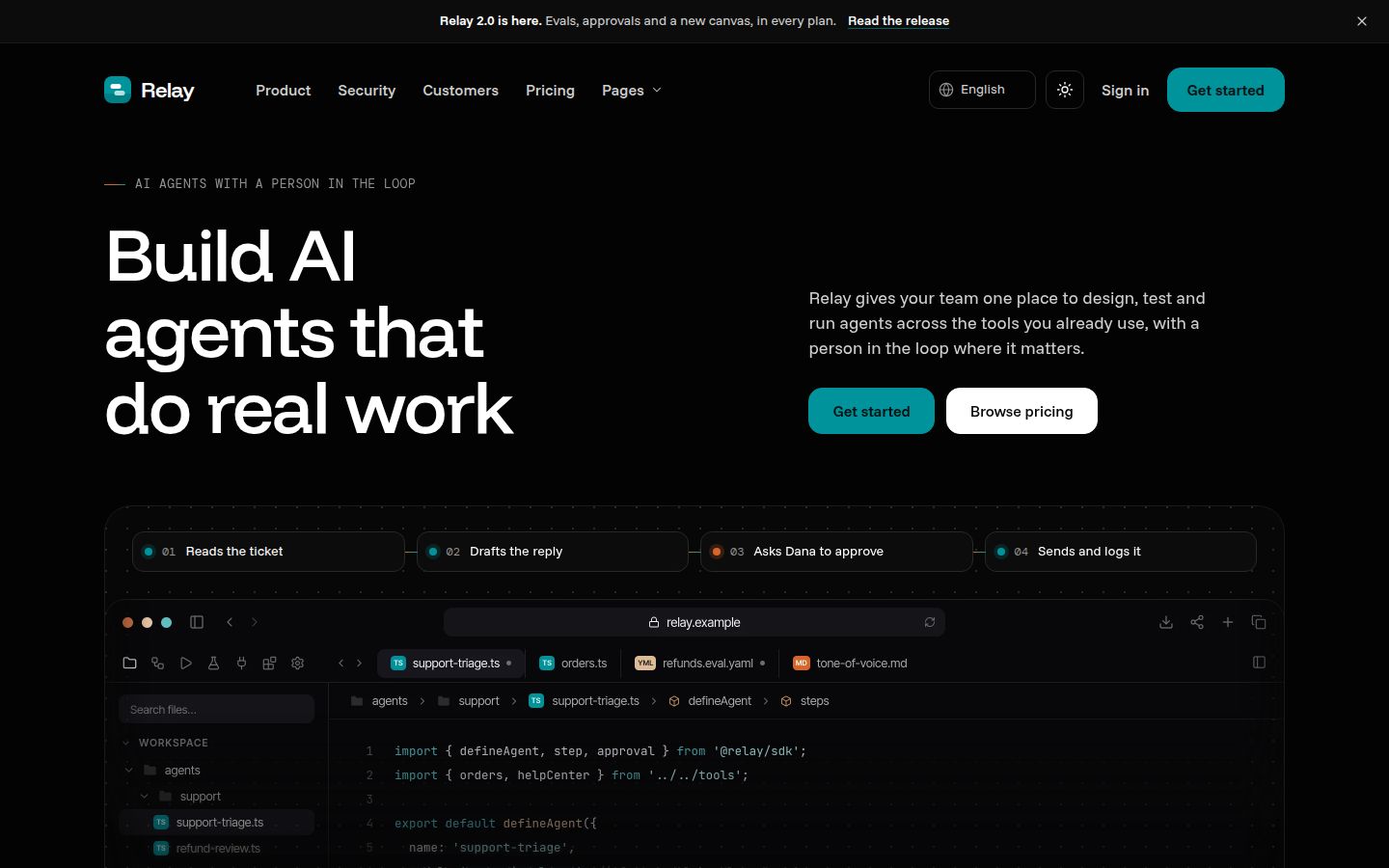
If you use Cursor as well, the Cursor version of this workflow uses project rules in place of CLAUDE.md. For a developer-facing product, Relay's code samples, integrations and changelog give an agent a lot of structure to follow.
Changelog
- 2026-10-05: first published