8 templates · Built for coding agents
Website templates for Claude Code
Templates set up for Claude Code, Anthropic's terminal coding agent: a CLAUDE.md that tells it how the site is built, prompt packs it can build from, and an MCP server it can pull real sections from.
Claude Code is good at writing a website and poor at inventing a design: left to itself it produces the same centred hero and three-card grid every AI-built site has. A template fixes that by handing it a finished design. You keep the structure, typography and product mock-ups, and Claude Code does the slow part, rewriting every page for your company.
This page is a working guide to doing that well. It covers the three routes (build from a prompt pack, edit the HTML, or pull sections over MCP), the CLAUDE.md file that keeps the agent on the design system, custom slash commands for jobs you repeat, and how to check its work. The eight templates were picked because their files are split the way Claude Code reads best: tokens in one place, one partial per mock-up, and clear section comments.
Eight templates that suit Claude Code









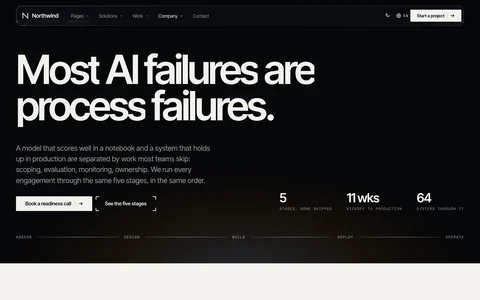
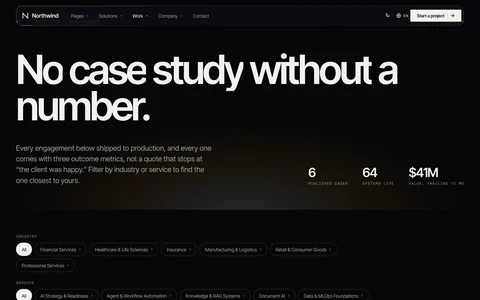
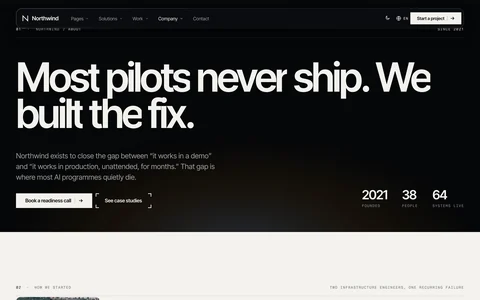
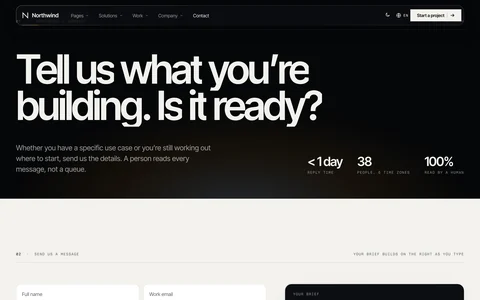







Why each one works well with Claude Code
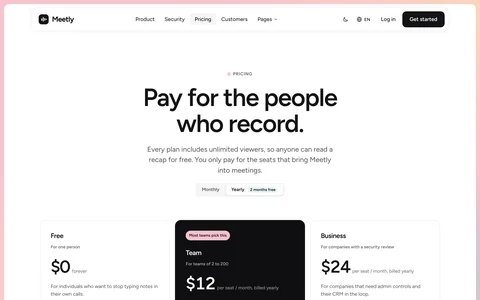
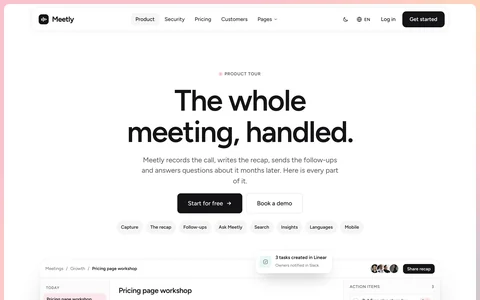
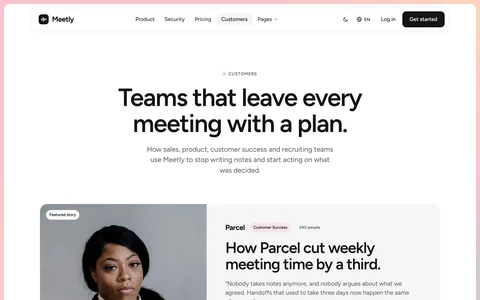
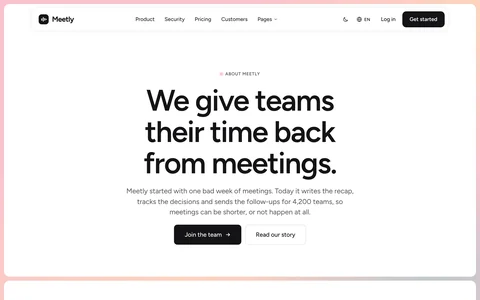
- Meetly: Prompt pack, HTML and Astro all ready, with copy prompts, a brand kit and a UI kit. The most complete pack to build from.
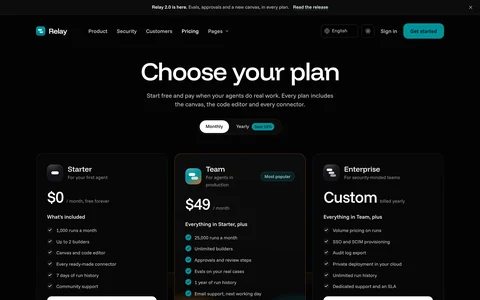
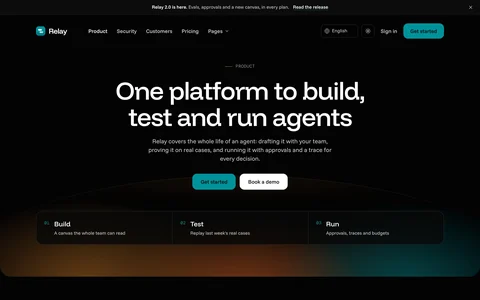
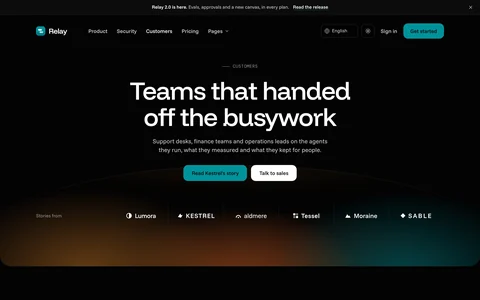
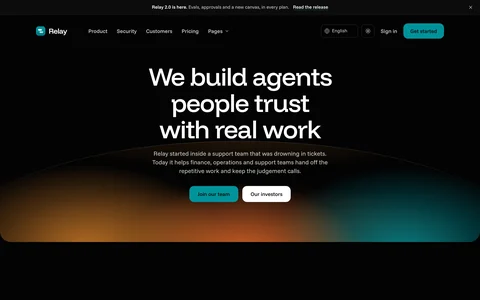
- Relay: Prompt pack and HTML ready. Code samples, an integrations index and three blog layouts make it a thorough test of a build.
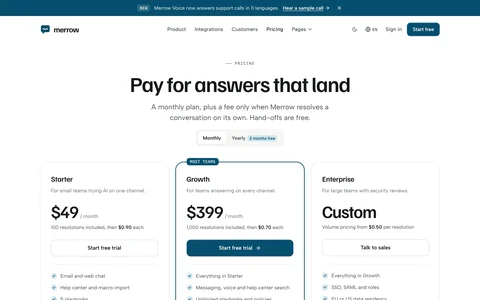
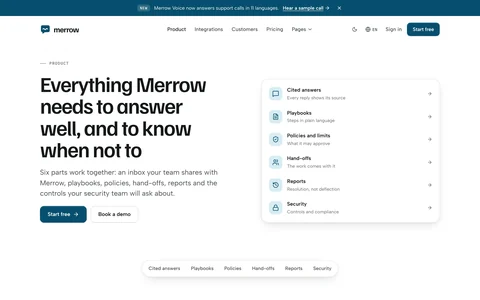
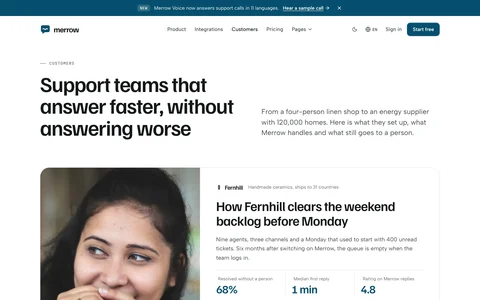
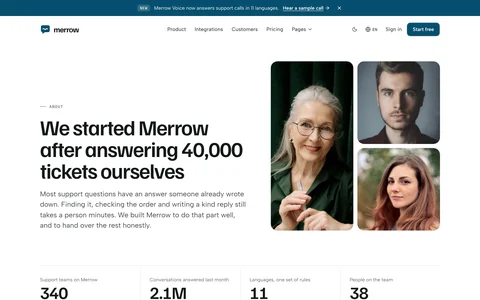
- Merrow: Prompt pack and HTML ready; the inbox and hand-off mock-ups are partials, one file each, which keeps agent edits small.
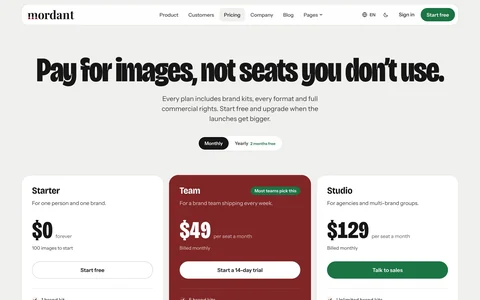
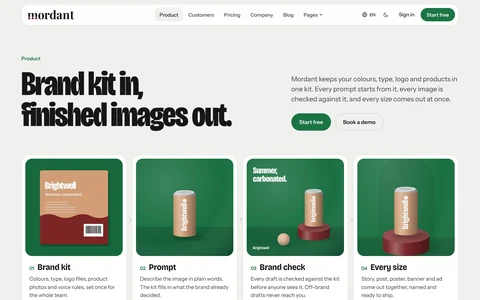
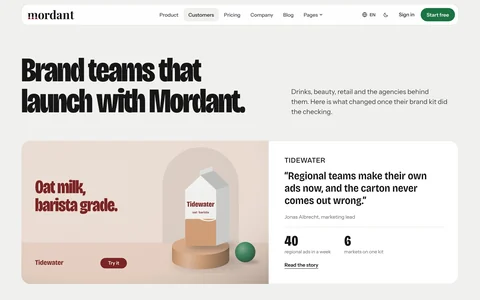
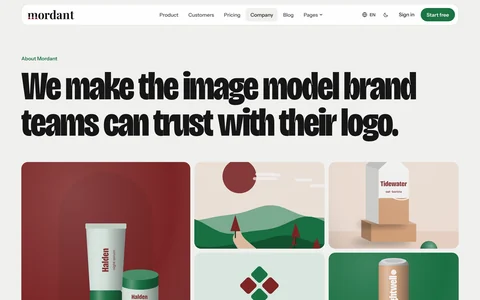
- Mordant: Prompt pack and HTML ready. Every visual is generated in code, so Claude Code can restyle it with your palette rather than swapping images.
- Northwind: Free, with a prompt pack: the cheapest way to try the whole prompt-pack workflow end to end.
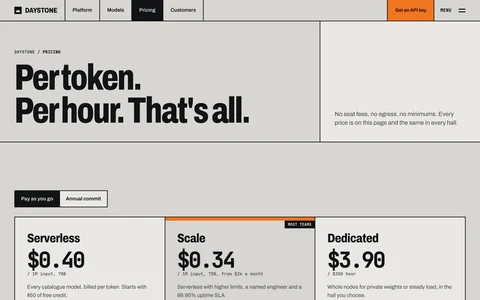
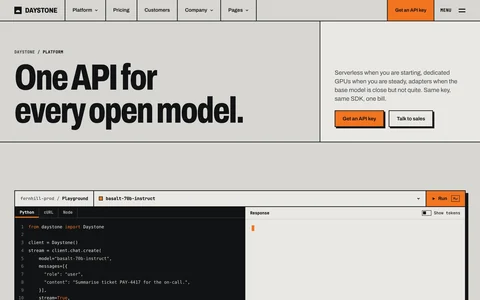
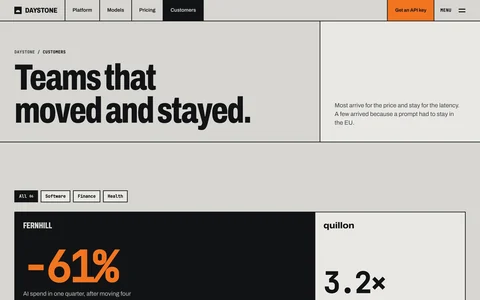
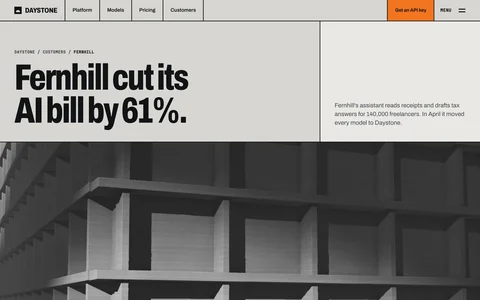
- Daystone: A brutalist AI-infrastructure site with dense spec tables and code panels, the kind of content an agent rewrites quickly from your docs.
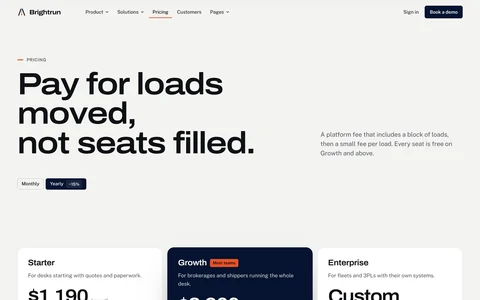
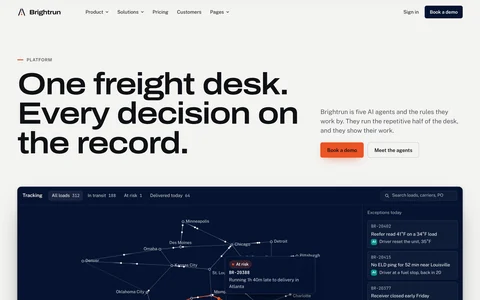
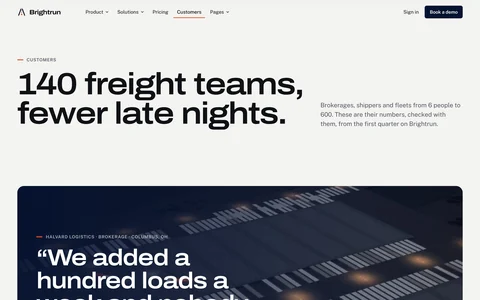
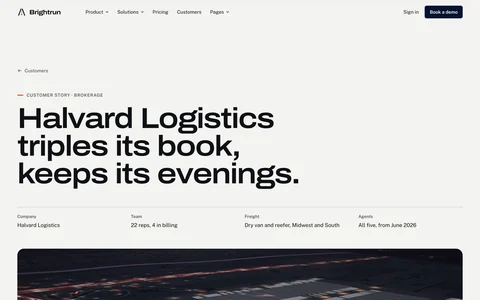
- Brightrun: Product screens that negotiate, track and read paperwork are plain HTML with scripted steps; ask Claude Code to re-script them for your product.
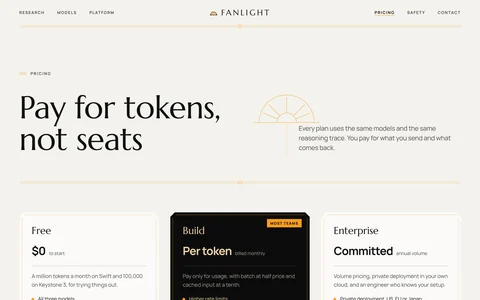
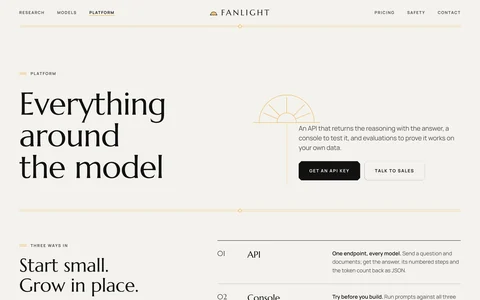
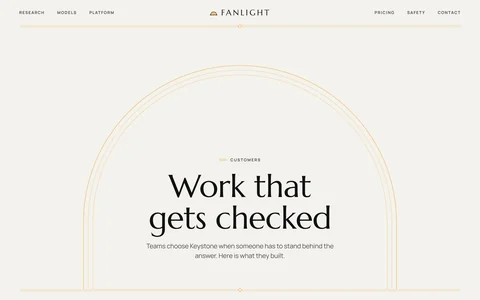
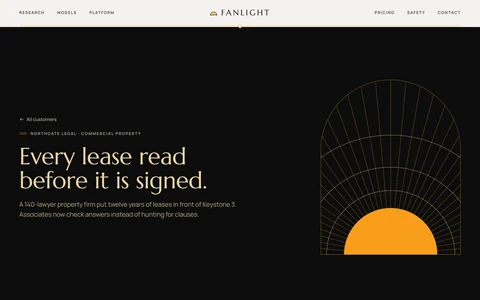
- Fanlight: An Art Deco research-lab site where the ornament lives in CSS, so a palette or type swap is a single request rather than new artwork.
What's included
| Template | Pages | Ready today | Start-here guide | Extras ready | Price | Live preview |
|---|---|---|---|---|---|---|
| Meetly AI meeting assistant | 30 | Astro, WordPress, HTML, Prompt pack, Framer | Yes | AI copy prompts, Pitch deck, Launch kit, Email templates, Brand kit, Product UI kit | $79 | Open the Meetly demo (opens in a new tab) |
| Relay AI agent platform | 31 | Astro, WordPress, HTML, Prompt pack, Framer | Yes | Pitch deck, Product UI kit | $79 | Open the Relay demo (opens in a new tab) |
| Merrow AI support assistant | 30 | WordPress, HTML, Prompt pack, Framer | Yes | Pitch deck | $79 | Open the Merrow demo (opens in a new tab) |
| Mordant AI image generator | 30 | HTML, Prompt pack, WordPress, Framer | Yes | Pitch deck | $79 | Open the Mordant demo (opens in a new tab) |
| Northwind AI consultancy | 28 | Framer, Prompt pack, WordPress | Yes | Pitch deck | Free | Open the Northwind demo (opens in a new tab) |
| Daystone AI infrastructure | 26 | Astro, WordPress, HTML, Prompt pack | Yes | Pitch deck | $79 | Open the Daystone demo (opens in a new tab) |
| Brightrun AI freight and logistics SaaS | 28 | Astro, HTML, Prompt pack, WordPress | Yes | Pitch deck | $79 | Open the Brightrun demo (opens in a new tab) |
| Fanlight AI research lab, frontier models | 30 | Astro, HTML, Prompt pack, WordPress | Yes | Pitch deck | $79 | Open the Fanlight demo (opens in a new tab) |
Page counts are the site pages in each demo, not counting the password, 404 and coming-soon screens. Every paid template is one price for every format it ships in.
Three ways to work, and when to use each
- Build from a prompt pack when you want the design in a different stack (Next.js, Astro, SvelteKit) or a fresh repository. Claude Code fetches page specs, tokens and reference screenshots and writes the project.
- Edit the HTML when you are happy with plain files. Open the template folder, start claude in it and ask for changes; it reads the files directly and nothing is regenerated.
- Pull sections over MCP when you already have a site and want one page or block from a template, built from the real source instead of a guess.
Build a site from a prompt pack
- Buy the template (or get Northwind free) and open the prompt page with your licence key.
- Copy the ready prompt and add two or three sentences about your company and the stack you want.
- Run claude in an empty folder and paste it. It fetches the pack's entry document, then each page spec, asset and reference screenshot.
- Review page by page; ask for fixes the way you would brief a developer.
The chat app can't do this, because it can't fetch the pack or write a project folder. It needs an agent with file and network access.
Give it a CLAUDE.md
Claude Code reads CLAUDE.md at the root of the project at the start of every session. Put the rules of the design system there once, and every request follows them. A good starting file for a template:
# Site notes
- Plain HTML/CSS/JS. No frameworks, no new dependencies.
- Colours, type and spacing come only from css/tokens.css.
- Reuse section markup and classes from existing pages.
- Every page must work at 390px wide and respect prefers-reduced-motion.
- After editing, run: npx linkinator . --recurse
Add the MCP server
The MCP server gives Claude Code tools to fetch sections, design tokens and page blueprints from shipped templates. Ask for "a pricing page built like Relay's" and it uses Relay's real section. Free sections work without a key; add the server once per machine:
claude mcp add frontier -e FRONTIER_LICENSE_KEY=ft_your_key -- npx -y @frontiertemplates/mcpSave repeat jobs as slash commands
A Markdown file in .claude/commands/ becomes a slash command in that project. Two that pay off on a template:
- /rebrand: "Read start-here.html. Replace the brand name, logo files, colour tokens and font stack everywhere with the values in brand.md. List every file you changed."
- /check-mobile: "Open every page at 390 pixels wide, list anything that overflows or overlaps, then fix it without changing desktop layout."
Check the agent's work
- Ask it to list changed files and why before you look at the site; review the diff in Git.
- Keep headline lengths within ten percent of the originals, or the layouts start to wrap badly.
- Run a link check and open the 404, password and coming-soon pages, which agents often forget to rebrand.
Questions
What is a prompt pack?
The template as instructions instead of files: page-by-page specs, design tokens, assets and reference screenshots that a coding agent fetches and follows to build the site in your stack.
Can I use a prompt pack in the Claude chat app?
Not for building the site: the chat app can't fetch the pack's files or write a project folder. Use Claude Code, which runs in your terminal or IDE.
Which framework does Claude Code use when it builds from a pack?
The one you ask for. The pack describes pages, tokens and components, not a framework, so ask for plain HTML, Astro, Next.js or something else.
Do I need a CLAUDE.md?
No, but it is the single best way to stop the agent drifting from the design. A dozen lines naming the token file and the rules is enough.
Is my licence key exposed to the agent?
The key is in the prompt or MCP config, so the agent can fetch files with it. It only unlocks the templates you bought, and requests are rate-limited.