What a complete website template includes: the 33-page checklist
The pages a real company site needs, why most templates skip half of them, and how to check before you buy.
A template's home page sells it. The pages behind it decide whether you can launch with it. This is the list we design every Frontier template against, and the questions to ask of any template before you pay.
The pages that sell
Three home pages are not vanity: they let one template fit a product, a services firm and a launch page without a redesign. Around them sit the pages a buyer reads before they talk to you.
- Home V1, V2 and V3
- Product or services, with real interface or work shown
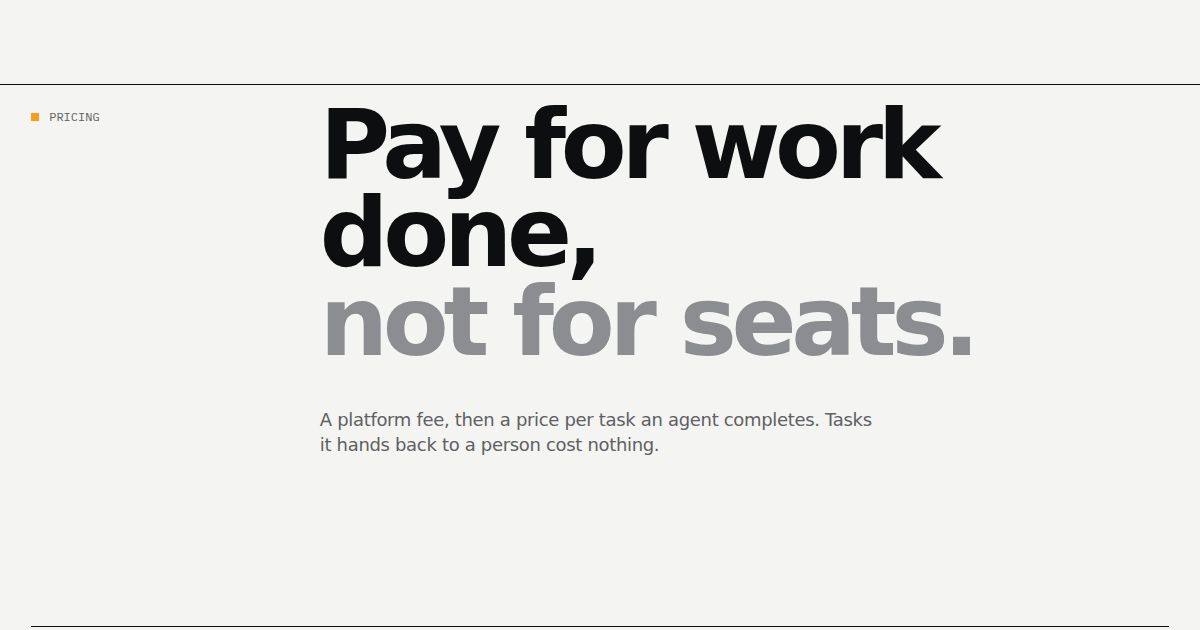
- Pricing, with a comparison and an FAQ
- Customers or case studies, plus a single story
- Security or legal, for anyone selling to companies
The pages that build trust
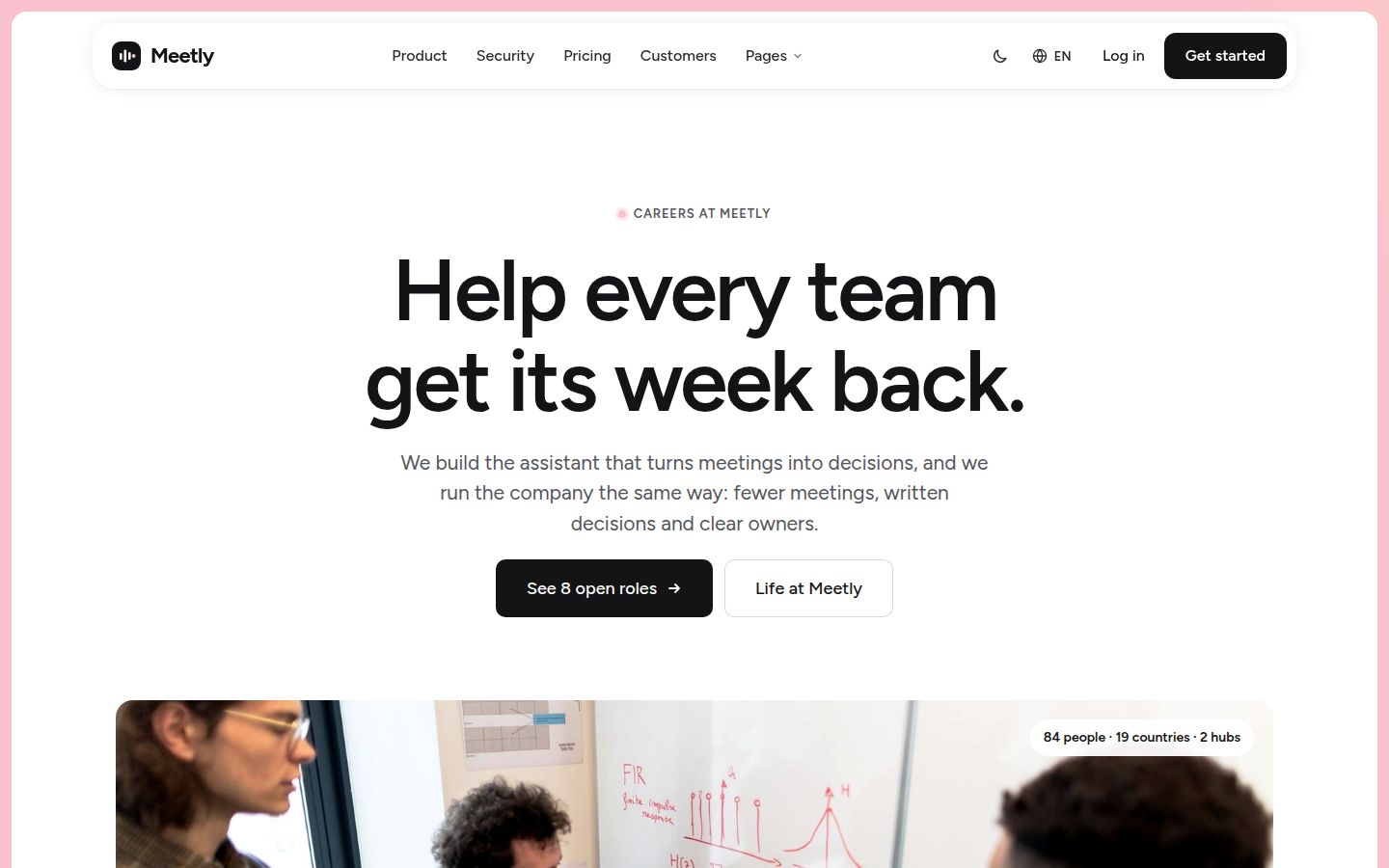
About, team and a team member page say who is behind the product. Careers and a single role page say the company is growing. A changelog says it is alive. These are the pages templates most often skip, because nobody screenshots them.
- About, team and team member
- Careers and a career page
- Changelog
- Blog in more than one layout, a post and a category page
The pages nobody notices until they are missing
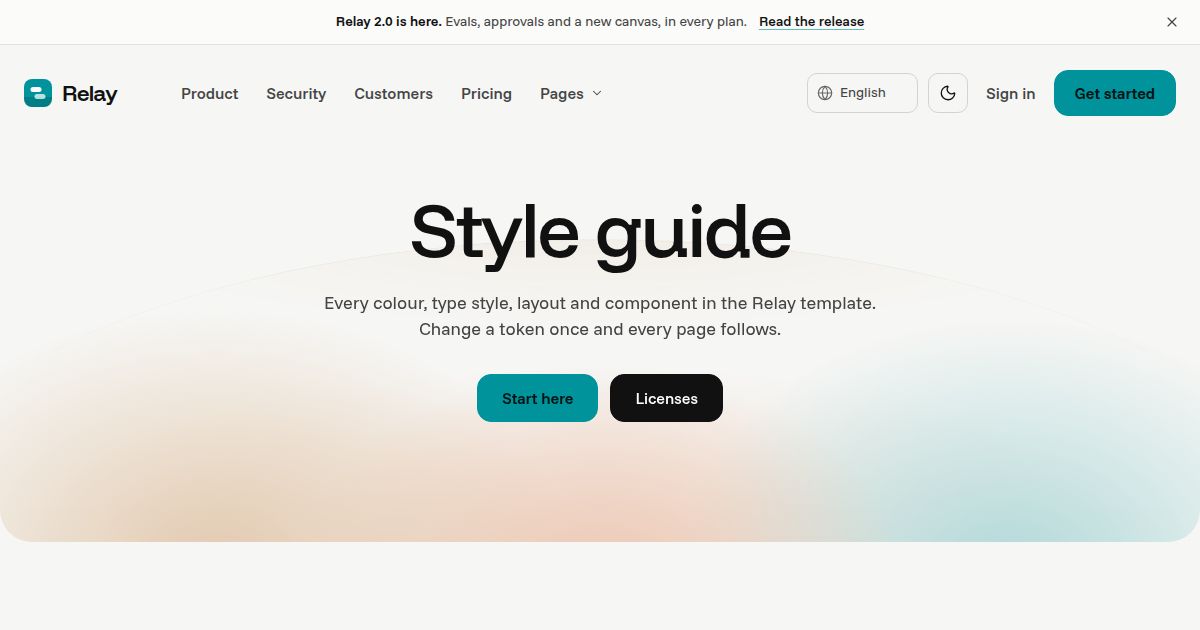
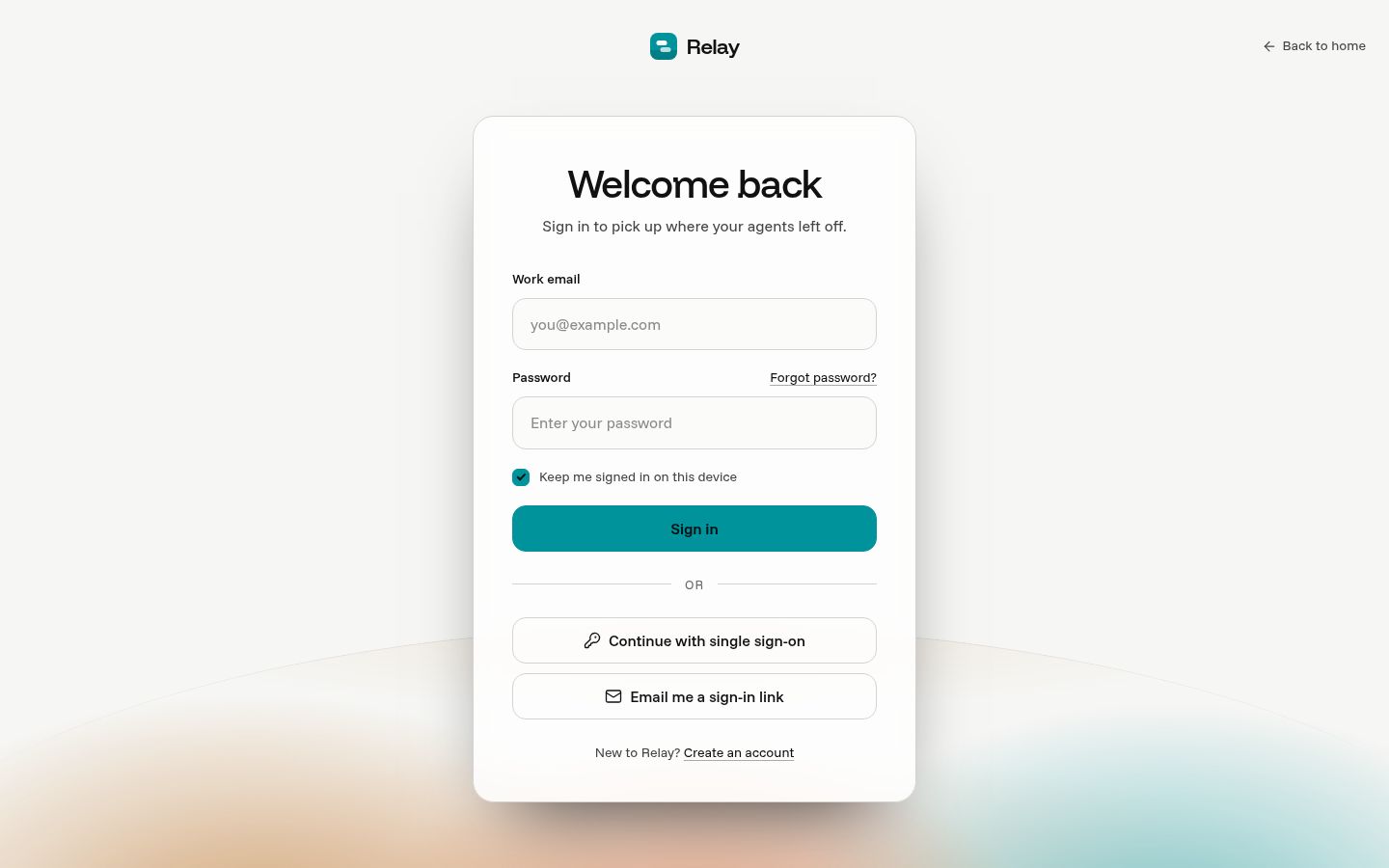
Contact in three forms (a simple form, a demo booking, a help centre), sign-in and sign-up screens that match the site, a coming-soon page for launch week, a password page, a style guide, a licences page and a 404 that sends people somewhere useful.
How to check before you buy
- Open the live demo, not the screenshots, and click every link in the menu and footer.
- Resize the window to phone width on three pages that are not the home page.
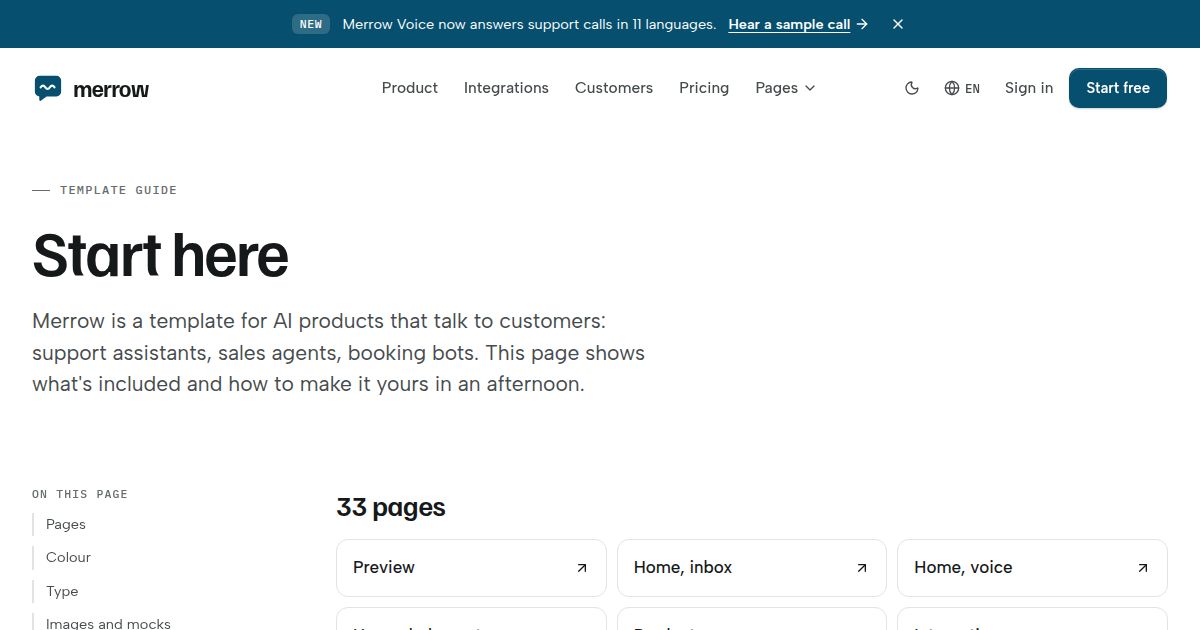
- Look for a start-here or overview page: it shows the template's real page count.
- Check the licences page for where the images and fonts come from.
- Try it with your own company name. Copy that only works for the demo brand is a warning sign.
Every Frontier template lists its pages with thumbnails on its store page, so you can see the full set before you decide. Meetly is a good example of the full list, and the HTML website templates collection shows the others side by side.
For the rest of what to check, read how to judge a premium website template, the website template accessibility checklist and website template licences explained. The pricing page covers single templates and Full Access.
Changelog
- 2026-10-02: first published