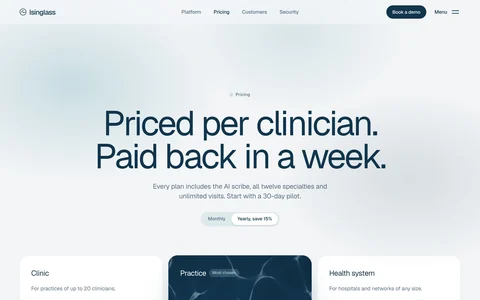
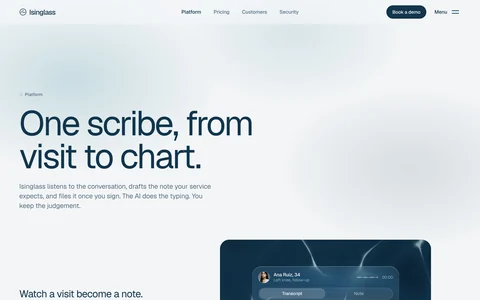
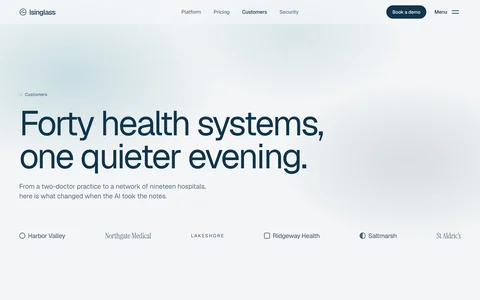
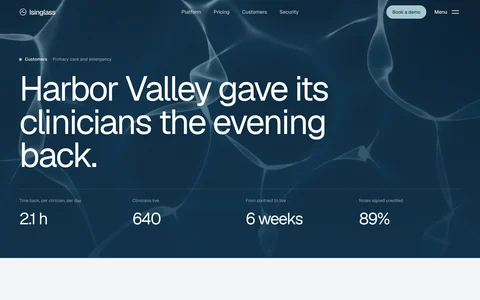
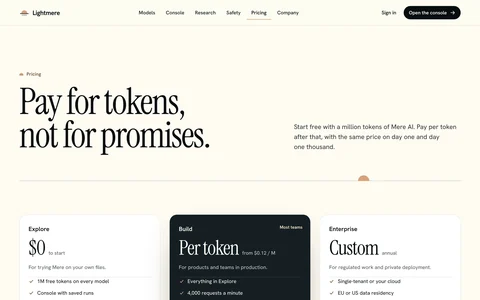
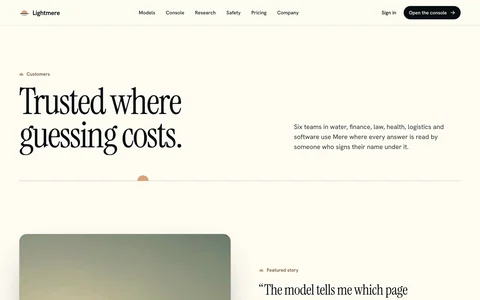
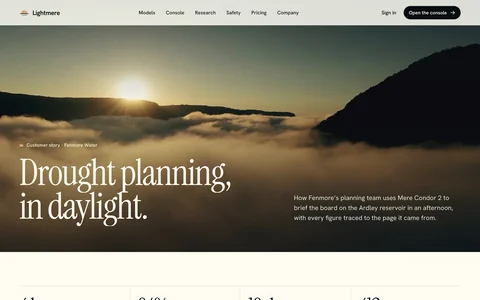
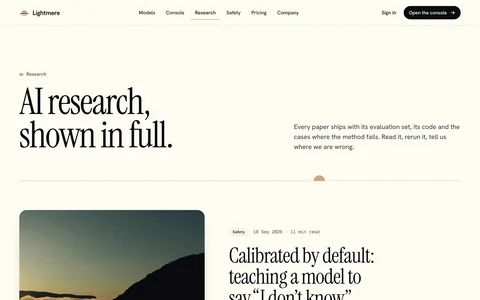
Westlight. A cinematic website template for an AI energy company.
About Westlight. What it is and how it works.
Westlight is a website template for an AI company that sites solar and storage: its AI reads terrain, sun and grid across a whole basin, scores every parcel and drafts the siting memo. The home page opens on a drone flight over a dune sea at sunset, cut to a seamless loop and graded to the palette, with a thin ring that stays on the sun and a line that follows the horizon in every frame of the film.
All of them. One purchase includes every format of the template, and you pick the one you want to download, now or any time later. Each format is a full build of the same design: a remix link for Framer, a clone link for Webflow, source files for Astro, an Elementor website kit for WordPress, plain HTML, or a prompt pack to rebuild it with an AI coding tool. Everything covers every template.
Can I use Westlight for a client?
Yes. A single template's personal licence covers one end product, which can be a client's site. Everything covers unlimited end products.
What is the website builder?
Open Westlight in the Studio app and answer a few questions about your business in the chat, with the site open next to it. We adapt it for you: words, photos, pages and tone. Then you edit anything by chat and export it or publish a preview link. The AI uses credits; your sign-up credits cover adapting your first site.
Do I get updates?
Yes, for life. Fixes and new pages are free and arrive in the same download link.
What happens to the copy I tried?
If you continue to checkout, it travels with your order so your download can start from it. We do not keep what you type in the preview.
Pitch deck. Westlight's brand, in eighteen slides.
What's inside
Eighteen slides with sample content for Westlight
Title, problem, solution, product, how it works, market, business model, traction, competition, go-to-market, team, roadmap, financials, the ask and contact
The template's own photos, team and product screens
Native charts and tables, so the numbers stay editable
18 master layouts with the theme colours and fonts
Formats
PowerPoint.pptx with master layouts and the fonts embedded
KeynoteOpens the .pptx. Install the fonts in the folder first
Google SlidesA .pptx set in Google Fonts, ready to import
FigmaImport the .pptx into Figma Slides, or one SVG frame per slide
PDF and PNGEvery slide at 1920 by 1080, to send or post
Westlight, AI Energy Website Template
Below the film the product does the talking. The site scan is a working app: pick a parcel on a contour map and an agent runs its checks, counts up the score and writes a memo from that parcel's own numbers. Ask the Atlas turns a plain-language brief into filters you can check, shows the count after each step and cites the parcels behind every sentence. A 3D stack of the terrain, sun and grid layers, a yield curve with a month slider and a queue timeline carry the platform page.
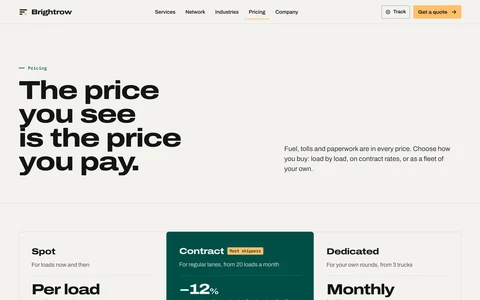
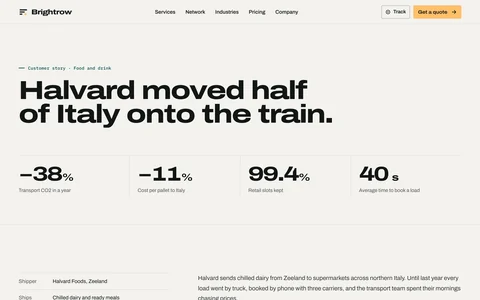
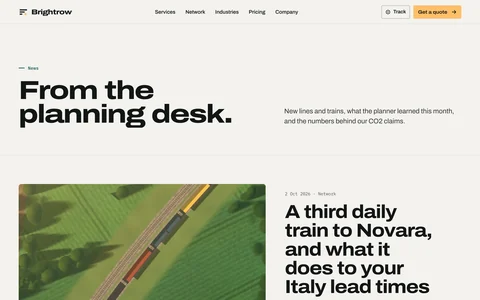
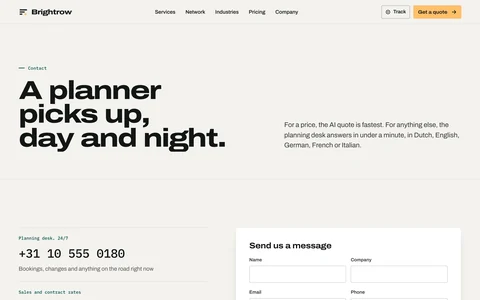
There are 25 pages: three home pages, platform, site scan, Ask the Atlas, pricing with a basin calculator, customers and a story, company, careers and a role, field notes and an article, contact, legal, sign in, plus start here, style guide, licences, changelog, 404, coming soon and password. It is set in Mona Sans, from 125% wide display lines to body text, with Spline Sans Mono, in Sanzo Wada combination 182 (Raw Sienna, Vandyke Brown and Deep Indigo), light and dark.