Sunhand / Sections
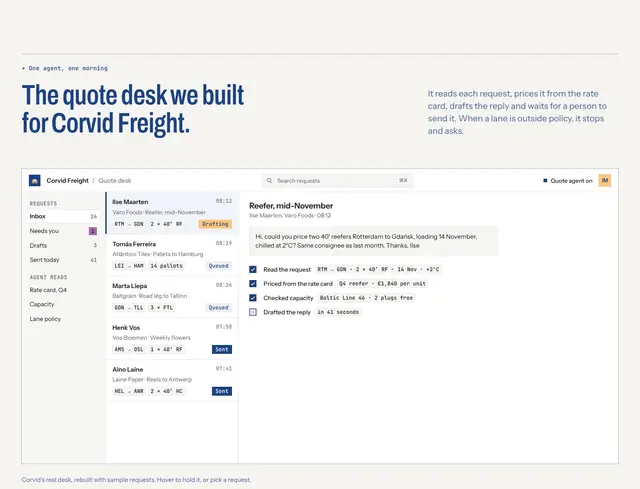
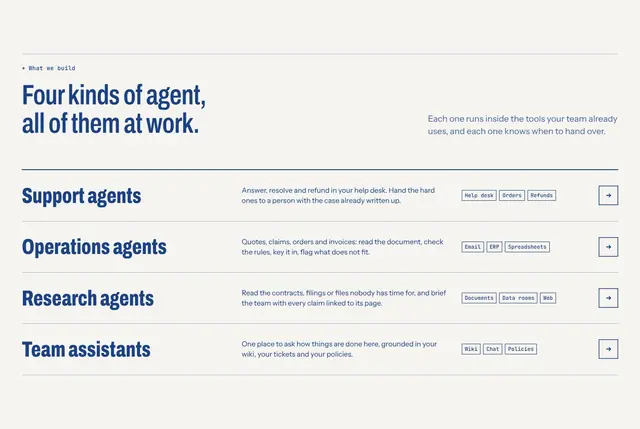
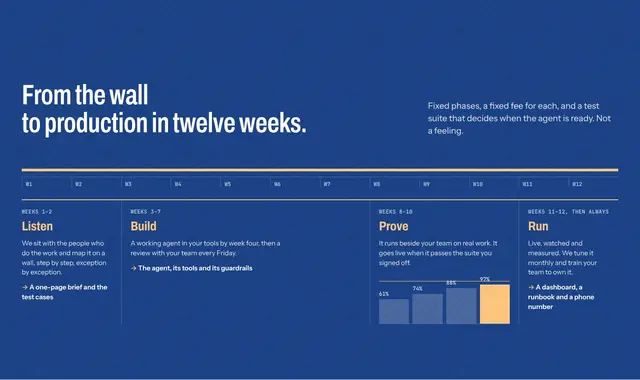
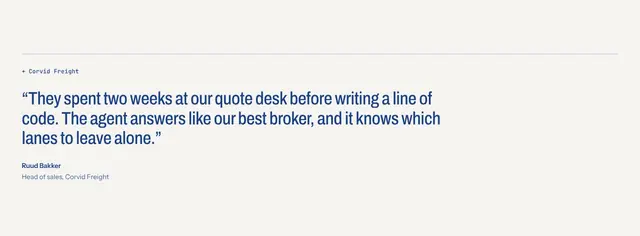
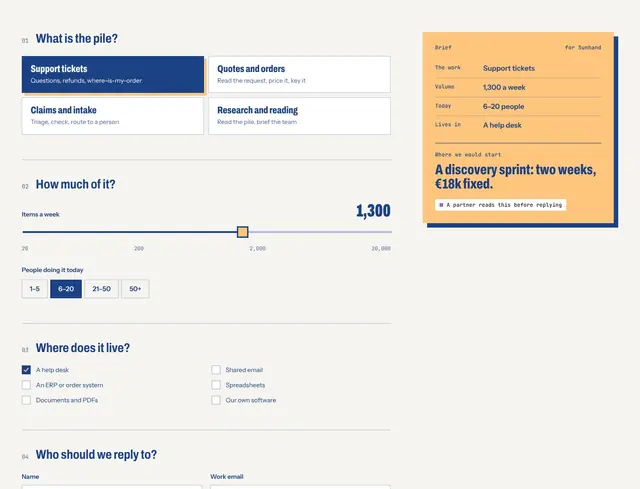
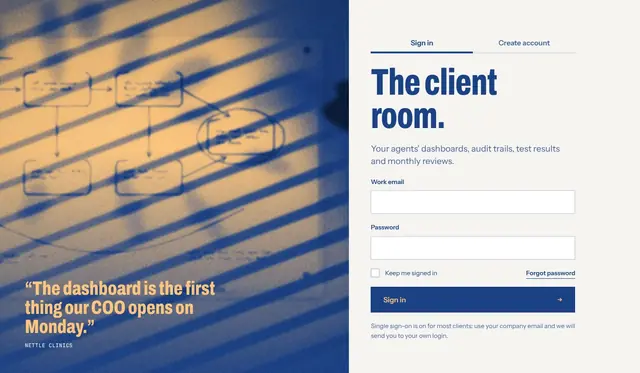
Sunhand sections. 74 of them, ready to copy.
- Press Copy on a section and pick Copy to Webflow (or Figma, Framer, HTML, Astro, a prompt).
- In the Webflow Designer, select the body or a section and press Ctrl/⌘ V.
- It arrives as native elements with real class names and the tablet and phone styles.
Works in Chrome, Edge, Arc and Firefox. Safari keeps copied Webflow data to itself, so paste from one of those. Add Archivo and Instrument Sans and JetBrains Mono in Site settings, Fonts. Every template's sections are in the sections library.

 Free
 Free













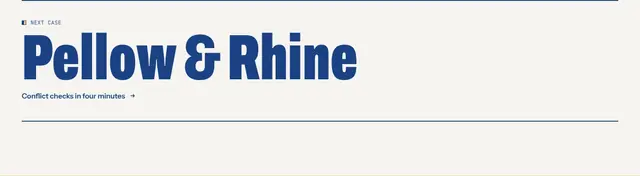


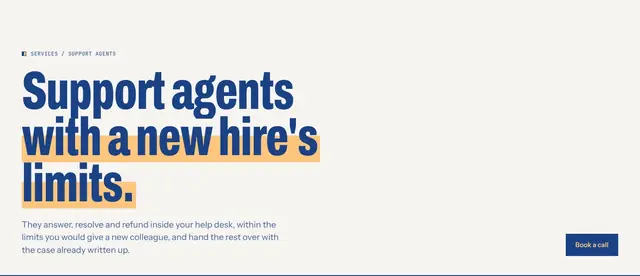
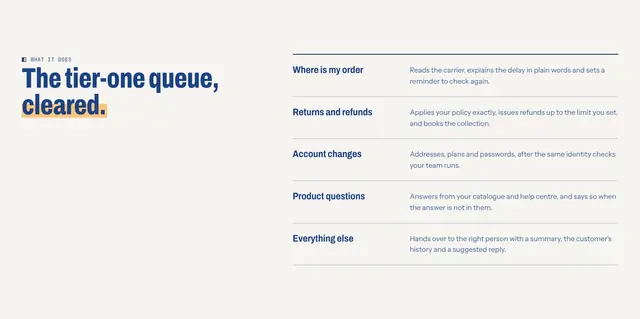

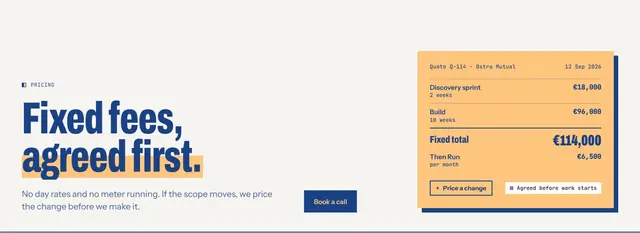








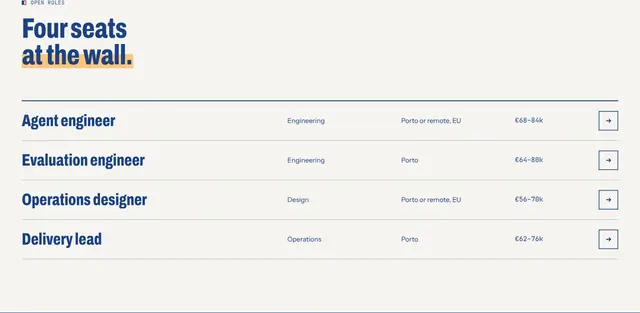
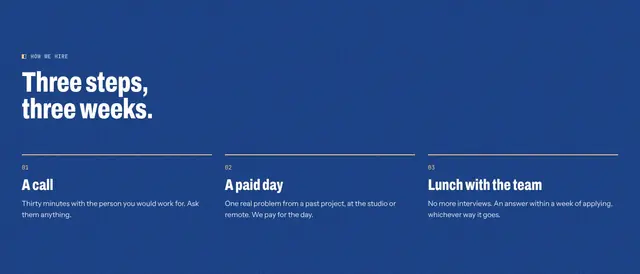
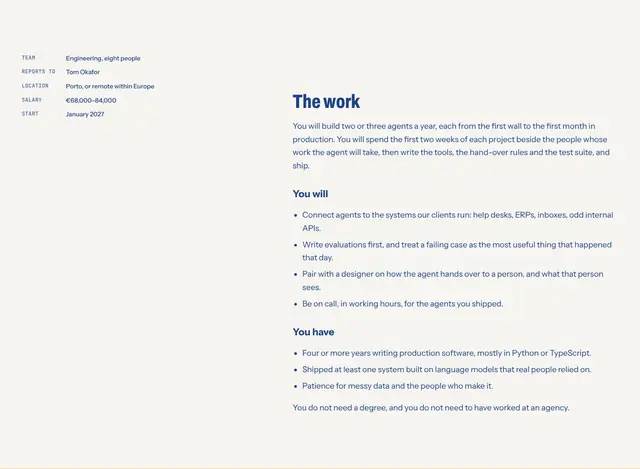
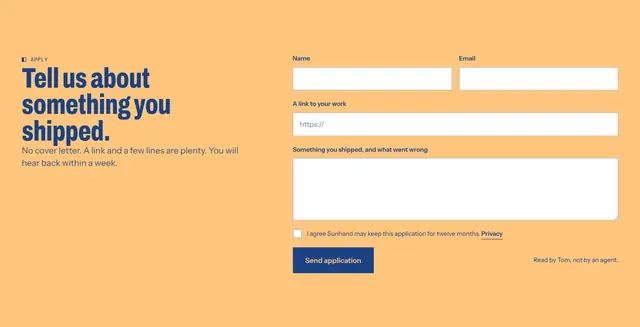












Copy every section, all 74.
2 sections are free to copy. Buy Sunhand or Everything and every section's Copy menu unlocks, here and in the app.