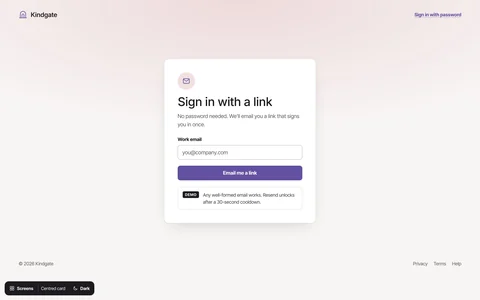
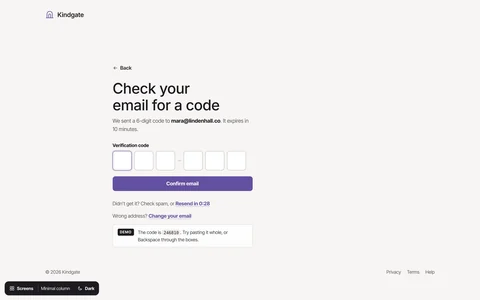
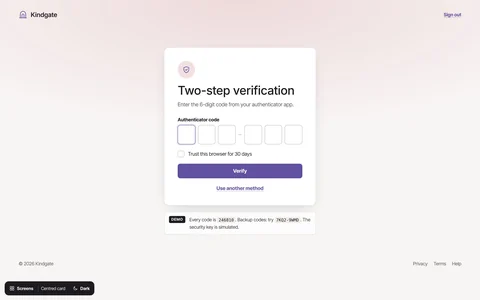
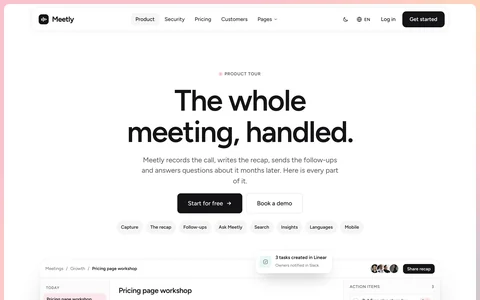
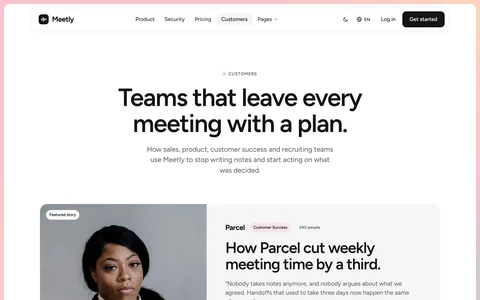
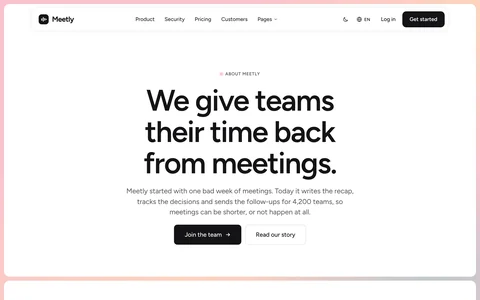
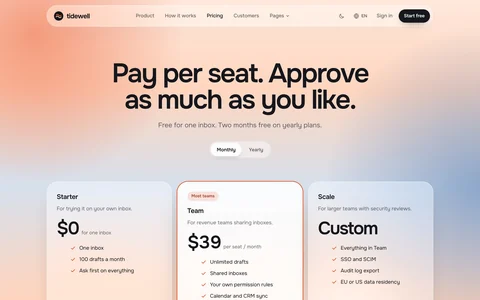
Kindgate is a set of authentication screens for a fictional team workspace, and every screen works. Forms validate inline with accessible errors, buttons show honest loading states, codes auto-advance and accept a pasted code, resend links count down, and each screen says plainly what is a demo. Nothing talks to a network: the demo account, codes, SSO domains and taken workspace addresses live in one editable data file, and each screen has one handler to point at your backend.
All of them. One purchase includes every format of the template, and you pick the one you want to download, now or any time later. Each format is a full build of the same design: a remix link for Framer, a clone link for Webflow, source files for Astro, an Elementor website kit for WordPress, plain HTML, or a prompt pack to rebuild it with an AI coding tool. Everything covers every template.
Can I use Kindgate for a client?
Yes. A single template's personal licence covers one end product, which can be a client's site. Everything covers unlimited end products.
What is the website builder?
Open Kindgate in the Studio app and answer a few questions about your business in the chat, with the site open next to it. We adapt it for you: words, photos, pages and tone. Then you edit anything by chat and export it or publish a preview link. The AI uses credits; your sign-up credits cover adapting your first site.
Do I get updates?
Yes, for life. Fixes and new pages are free and arrive in the same download link.
What happens to the copy I tried?
If you continue to checkout, it travels with your order so your download can start from it. We do not keep what you type in the preview.
It covers sign in (password, passkey, single sign-on), sign up with a live password-strength meter, a magic link, email verification, two-step verification with four methods and its setup (copyable key, backup codes as a .txt download), password reset in three steps, an account lockout with a live countdown, new-device approval and device codes, accepting an invite, a four-step onboarding that keeps its place across reloads, and a re-authentication dialog over a dimmed app shell. A kit overview documents which of the six layouts each screen uses, alongside start here, style guide, licences, changelog, 404, coming soon and password pages.
The design pairs a warm neutral ground with Sanzo Wada combination 116: Cameo Pink as a soft wash and Blue Violet as the ink of every action, set in Outfit and Karla, light and dark. The three architectural photographs (light on plaster, a stairwell, a window shadow) are still palette-toned placeholders while the licensed stills are sourced; until then every split and full-bleed screen shows its designed panel, an arch drawn in hairlines on a Cameo Pink wash, and one setting switches the kit to photographs.