Covelight. A premium website template for an AI ocean-intelligence company.
About Covelight. What it is and how it works.
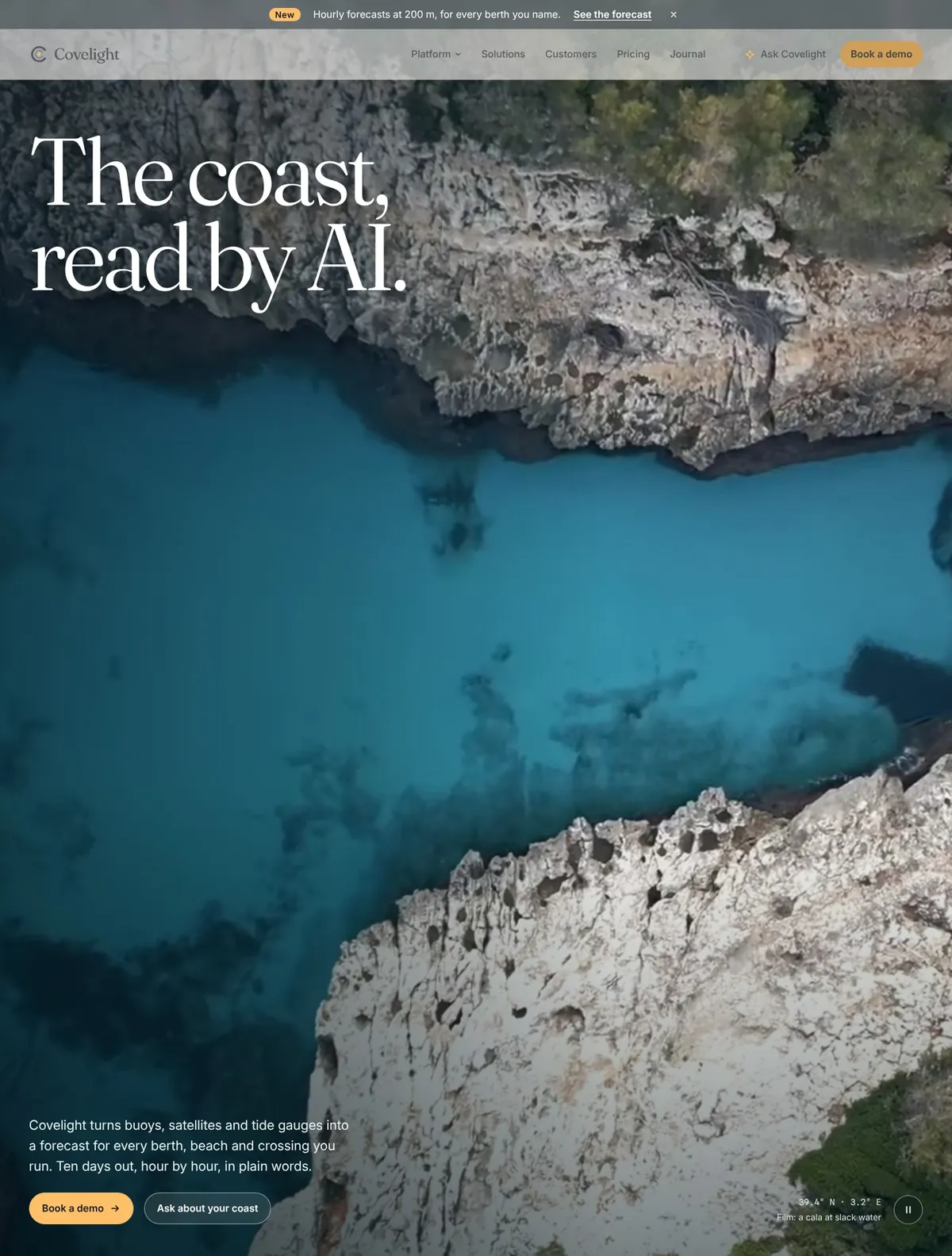
Covelight is a website template for an AI company that reads the coast: it turns buoys, satellites and tide gauges into a forecast for every berth, beach and ferry crossing, and answers questions about the sea in plain words. The home page opens on a slow drone film looking straight down into a narrow limestone cala, its water glowing turquoise. A live reading is pinned to the cove, with the wave height, sea temperature and clarity ticking through the day, under a calm two-line promise: the coast, read by AI.
All of them. One purchase includes every format of the template, and you pick the one you want to download, now or any time later. Each format is a full build of the same design: a remix link for Framer, a clone link for Webflow, source files for Astro, an Elementor website kit for WordPress, plain HTML, or a prompt pack to rebuild it with an AI coding tool. Everything covers every template.
Can I use Covelight for a client?
Yes. A single template's personal licence covers one end product, which can be a client's site. Everything covers unlimited end products.
What is the website builder?
Open Covelight in the Studio app and answer a few questions about your business in the chat, with the site open next to it. We adapt it for you: words, photos, pages and tone. Then you edit anything by chat and export it or publish a preview link. The AI uses credits; your sign-up credits cover adapting your first site.
Do I get updates?
Yes, for life. Fixes and new pages are free and arrive in the same download link.
What happens to the copy I tried?
If you continue to checkout, it travels with your order so your download can start from it. We do not keep what you type in the preview.
Pitch deck. Covelight's brand, in nineteen slides.
What's inside
Nineteen slides with sample content for Covelight
Title, problem, solution, product, how it works, market, business model, traction, competition, go-to-market, team, roadmap, financials, the ask and contact
The template's own photos, team and product screens
Native charts and tables, so the numbers stay editable
19 master layouts with the theme colours and fonts
Formats
PowerPoint.pptx with master layouts and the fonts embedded
KeynoteOpens the .pptx. Install the fonts in the folder first
Google SlidesA .pptx set in Google Fonts, ready to import
FigmaImport the .pptx into Figma Slides, or one SVG frame per slide
PDF and PNGEvery slide at 1920 by 1080, to send or post
Covelight, AI Ocean Intelligence Website Template
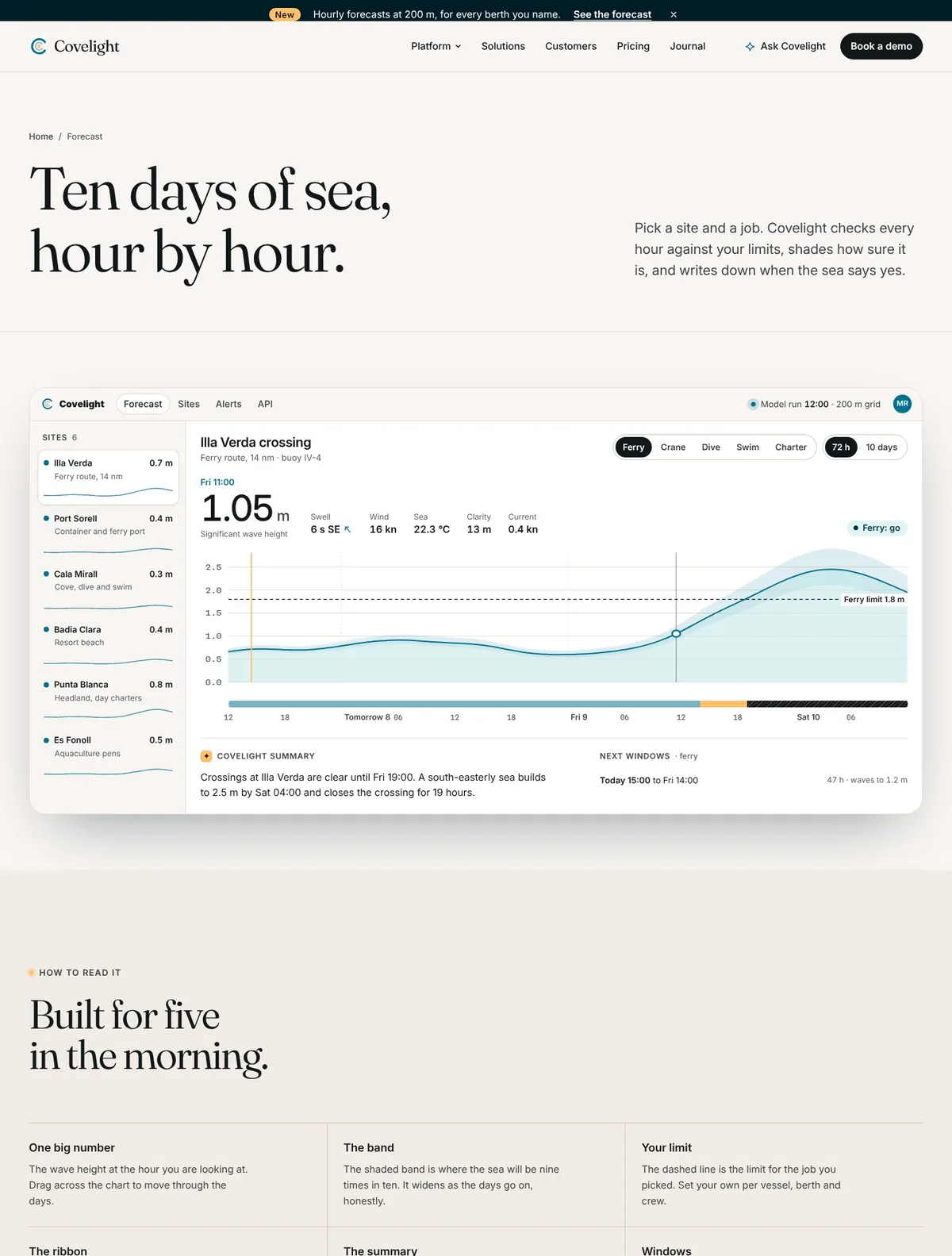
The AI-era features are real and working. The Forecast console has six sites, a 72-hour or ten-day wave chart with its confidence band, your limits for ferry, crane, dive, swim and charter work, an hour-by-hour go or no-go ribbon, a scrubbable readout and a written summary of when the sea says yes. Ask Covelight takes a plain-English question, such as whether the 07:00 ferry can run on Thursday, and answers with a verdict, the numbers behind it, a chart and a better window. The Coastal risk tool draws a shore section for a hotel, a quay, a cliff road or a hatchery, raises the sea to 2060 on two emissions paths, and prices the flood.
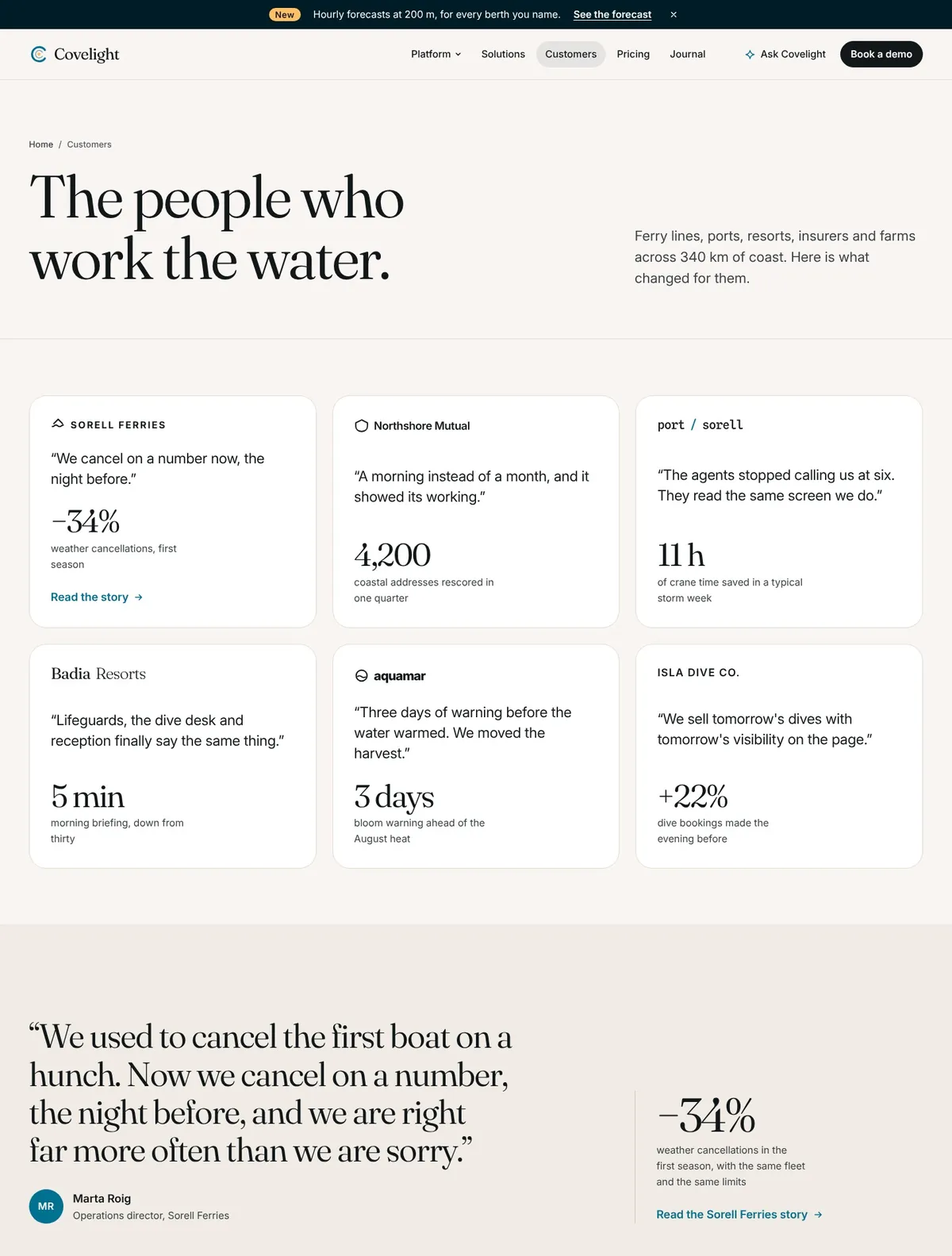
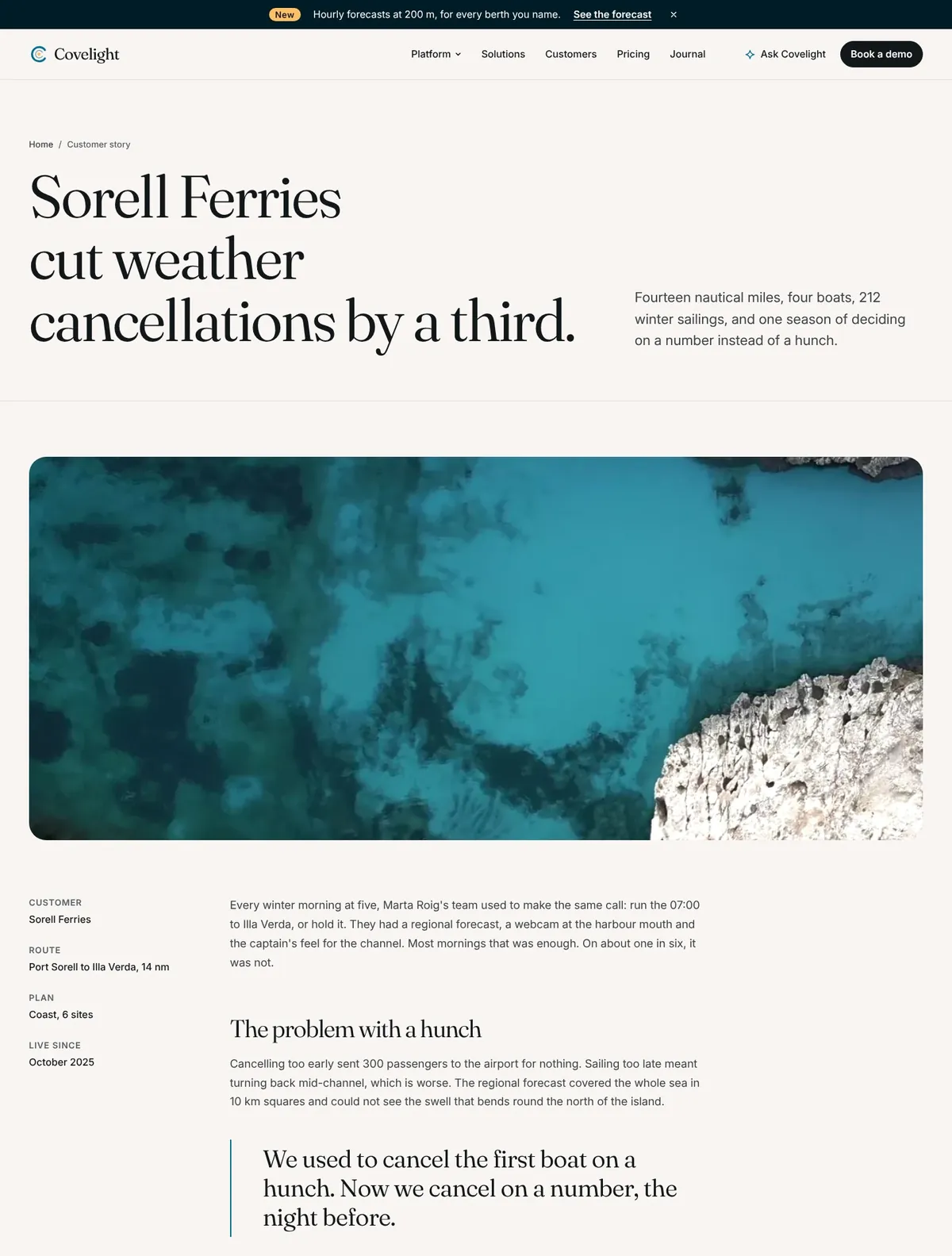
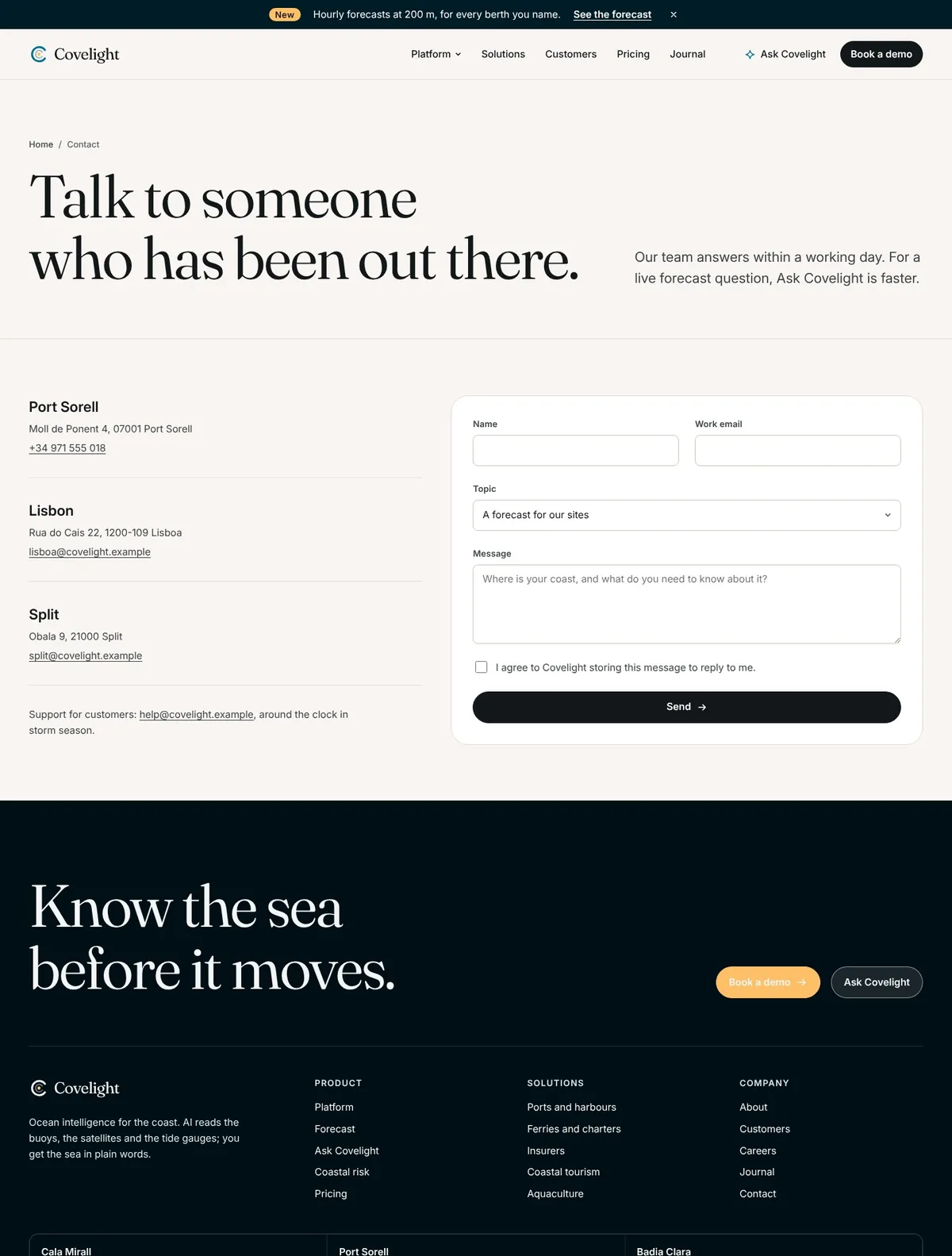
There are 26 pages: three home pages (the film hero, Ask Covelight beside a portrait film, and a round film inside a 24-hour sea clock), platform, the forecast, Ask Covelight, coastal risk, solutions, pricing, customers and a customer story, about, careers, a journal and an article, contact, book a demo and legal. The template preview, start here, the style guide, licences, changelog, 404, coming soon and password complete the set. It is set in Fraunces and Inter, in Sanzo Wada combination 302 (Antwarp Blue, Nile Blue, Ecru and Cream Yellow), with light and dark mode.