3 templates · UI kits
SaaS product UI kits
The product mock-ups from our SaaS templates as a kit: app windows, inboxes, dashboards and code panels in HTML and CSS you can restyle for your own marketing pages, launch posts and decks.
To be clear about scope first: these are UI kits for showing a product, not for building one. Each kit is the set of product mock-ups from a template, such as an app window, a transcript, a task list, a code panel or a review canvas, delivered as source you can restyle. Use them to show your product on your site, in launch posts and in a pitch deck before your real UI is ready to screenshot, or when screenshots would be too busy.
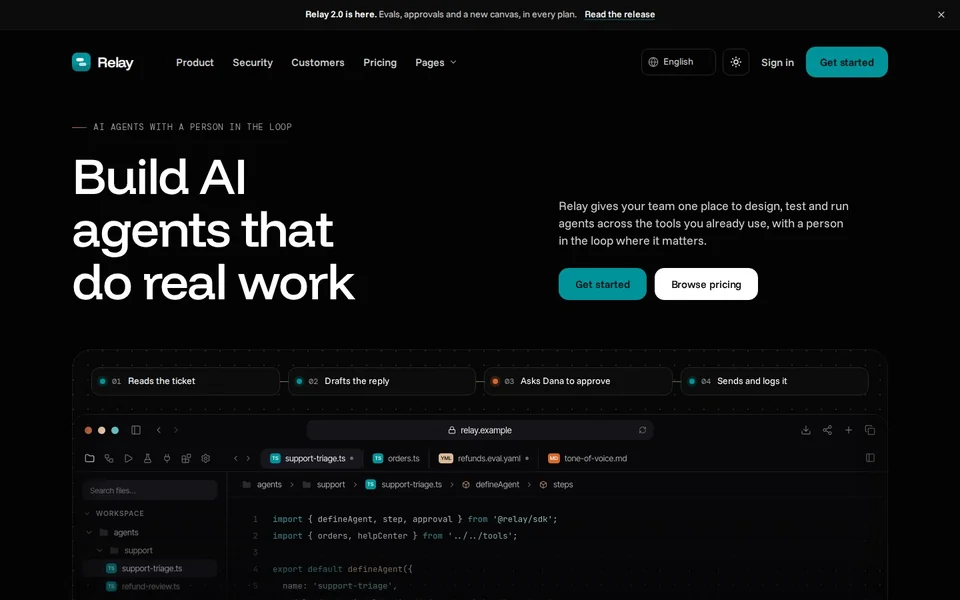
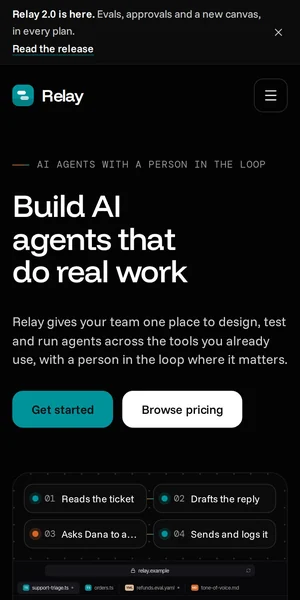
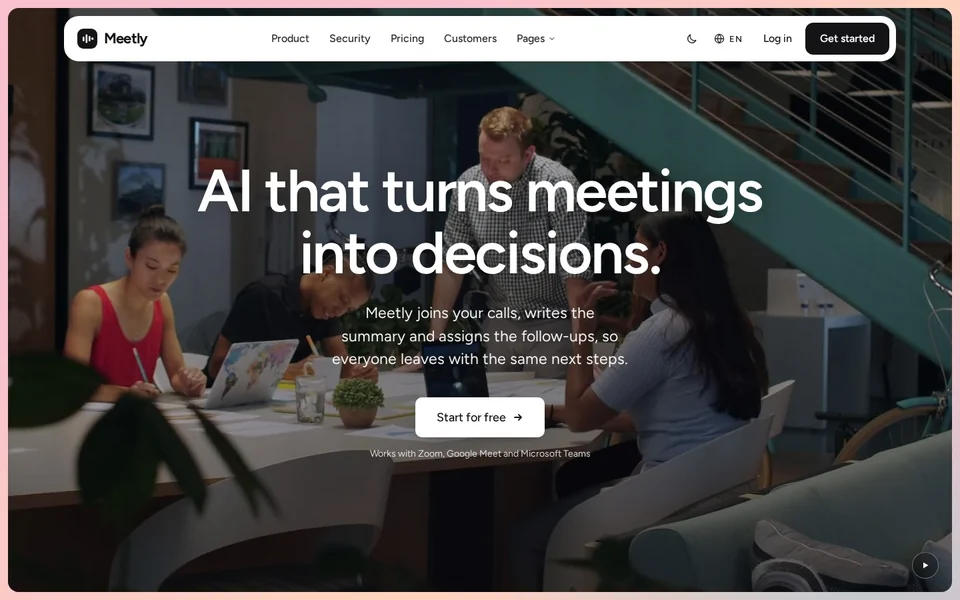
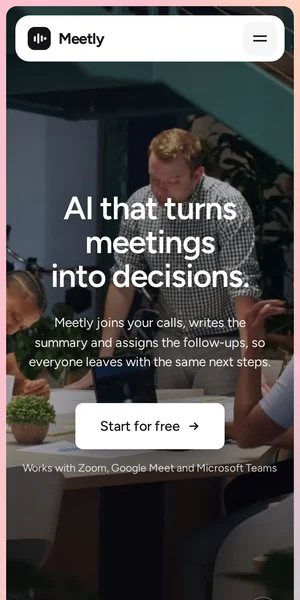
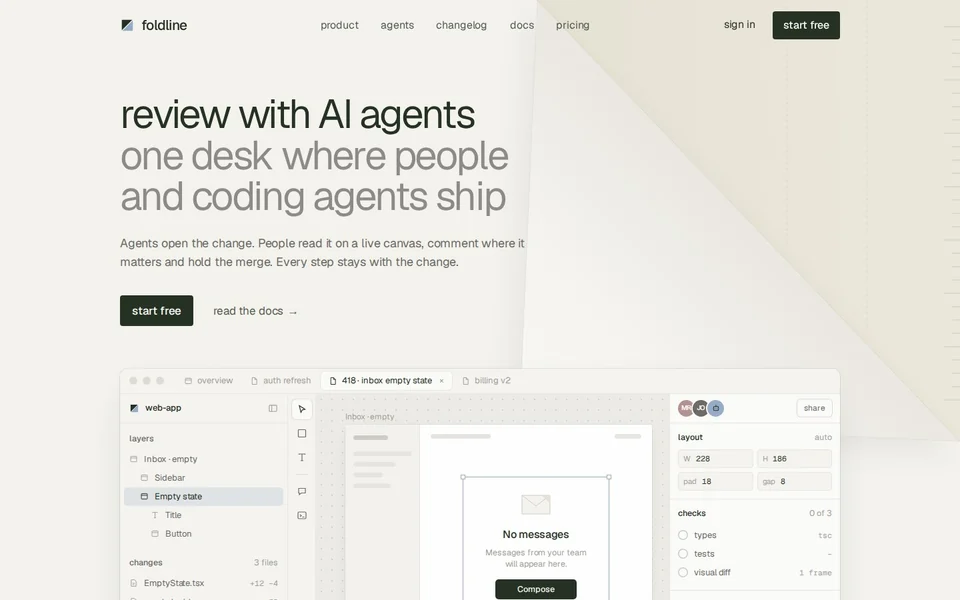
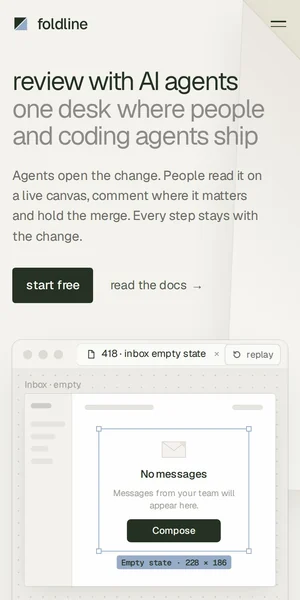
Each kit comes with the template it belongs to, at no extra cost. The kits are HTML and CSS, so the text is real text, the parts scale cleanly and the states can be animated. Relay's kit is the largest, with 45 mock-ups; Meetly's covers a meeting product end to end; Foldline's covers a code review and agent workflow.
What each kit covers
- Relay: 45 mock-ups for an agent and workflow platform: run timelines, code panels, integration cards, logs and a world map from open-licensed data.
- Meetly: A meeting product: the app window, transcript, recap with owners and due dates, task list and an Ask-your-meetings panel.
- Foldline: A code review workflow: the review canvas, agent prompt, checks list, comments, merge rules and changelog entries.
What's included
| Template | Pages | Ready today | Start-here guide | Extras ready | Price | Live preview |
|---|---|---|---|---|---|---|
| Relay AI agent platform | 31 | HTML, Prompt pack | Yes | Product UI kit | $79 | Open the Relay demo (opens in a new tab) |
| Meetly AI meeting assistant | 30 | Astro, HTML, Prompt pack | Yes | AI copy prompts, Pitch deck, Launch kit, Email templates, Brand kit, Product UI kit | $79 | Open the Meetly demo (opens in a new tab) |
| Foldline AI code review | 29 | HTML | Yes | Product UI kit | $79 | Open the Foldline demo (opens in a new tab) |
Page counts are the site pages in each demo, not counting the password, 404 and coming-soon screens. Every paid template is one price for every format it ships in.
Why mock-ups beat screenshots on a marketing page
- They stay sharp at any size and on any screen, with text that search engines and screen readers can read.
- You can simplify: show the three rows that matter instead of a crowded real dashboard.
- They can move: type, stream, fill in and wait for a click, which shows behaviour a still can't.
- They don't go stale every time the product UI changes.
UI kit, section library or full template?
A UI kit gives you the product pictures. A section library gives you page parts: heroes, pricing tables, FAQs. A template gives you the whole site with both already composed. If you are adding to an existing site, the kit plus a few sections may be all you need; the MCP server delivers sections and tokens to coding agents. If you are starting from nothing, the template is less work.
Questions
Is this a component library for building my app?
No. The kits are marketing mock-ups of a product, not production app components with state management or accessibility for complex widgets. For app UI, use a component library.
Is there a Figma version?
Figma files are in production for the templates and will ship with them. Today the kits are HTML and CSS.
Can I use the kit without the template?
The kit comes with the template's licence, and you can use its mock-ups anywhere within that licence: your site, your launch posts, your deck.
Which other templates will get UI kits?
Every template's mock-ups are built as HTML, so kits are planned for all of them; the table on each template page shows which extras are ready.