9 templates · Plain files, any host
HTML website templates
Multi-page sites written in plain HTML, CSS and a little vanilla JavaScript: no framework, no build step, no platform. Open a file, change it, upload the folder. Picked here for range, from an AI lab to an adventure park, a law-tech firm and a conference.
Search for an HTML template and you mostly find single landing pages wrapped in Bootstrap, or admin dashboards. The sites below are the other kind: complete marketing sites of 25 to 36 pages each (home page variants, pricing, about, careers, a blog, contact, legal and the screens people forget, like 404 and coming soon), written by hand as the master copy of each design.
This page is about the format itself. It covers what is inside an HTML template folder, how it compares with a site builder or a framework, how to publish it on the common static hosts in a few minutes, and what to check before launch. The nine picks were chosen to show how far a static site can go outside the usual SaaS look: booking flows, freight quotes, a nine-day trip planner and a conference countdown, all without a server.
Nine HTML builds across very different businesses





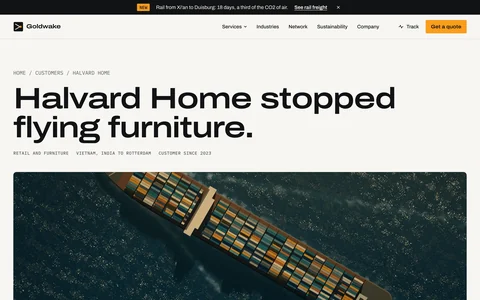
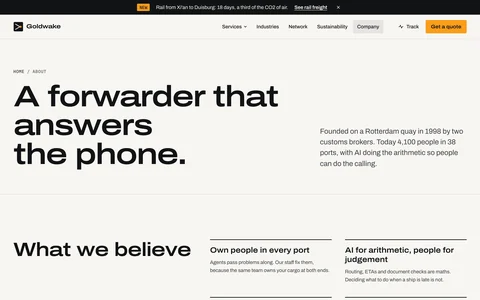
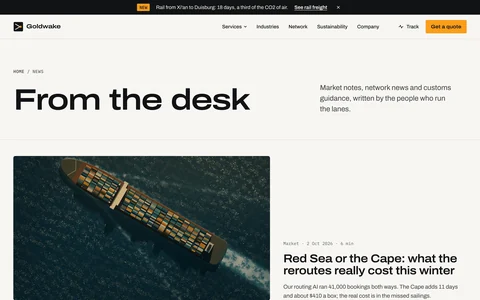
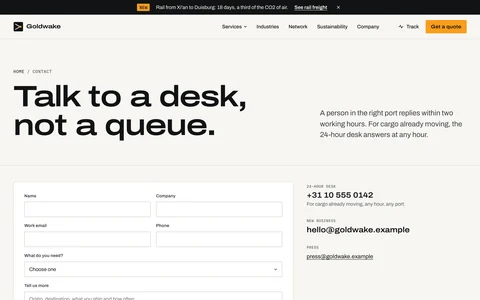













What each HTML build shows off
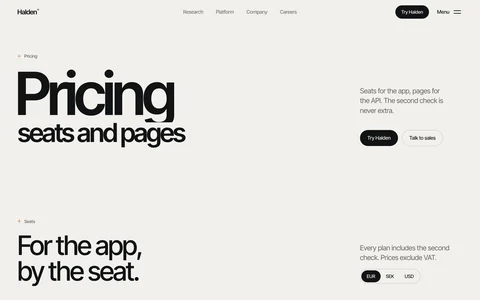
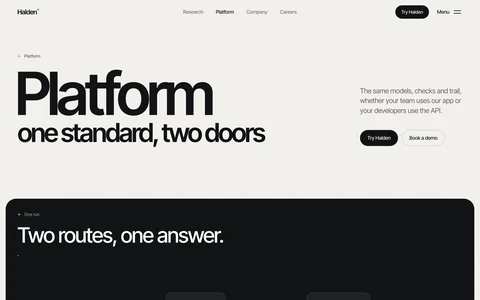
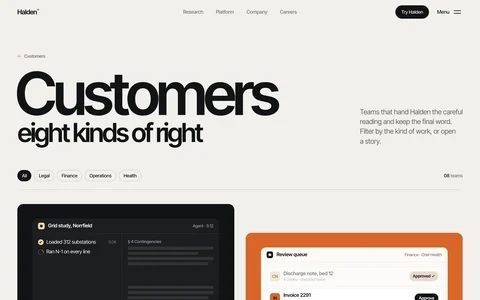
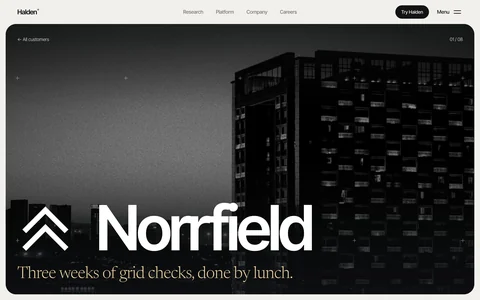
- Halden: The reference build: 30 pages, three home pages and five headers and footers you can swap by changing one include.
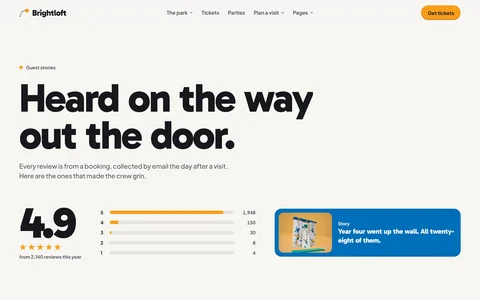
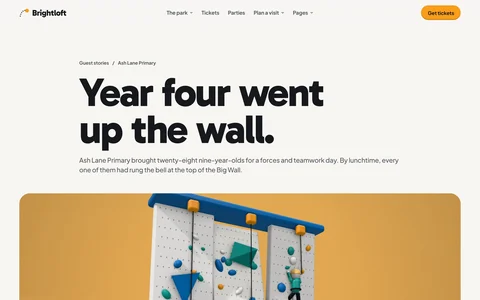
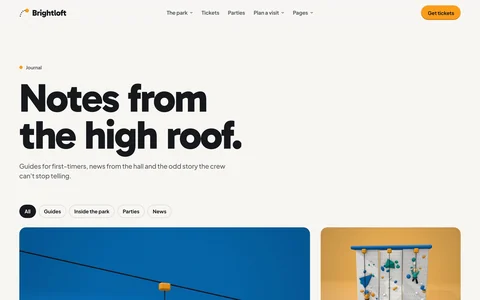
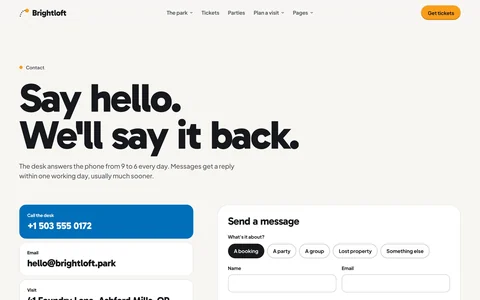
- Brightloft: A family attraction with a working booking flow and visit planner in plain JavaScript, proof a static site can take bookings without a framework.
- Goldwake: Freight forwarding with a quote and routing assistant, a customs checker and a vessel tracker running on local data you can wire to your own API.
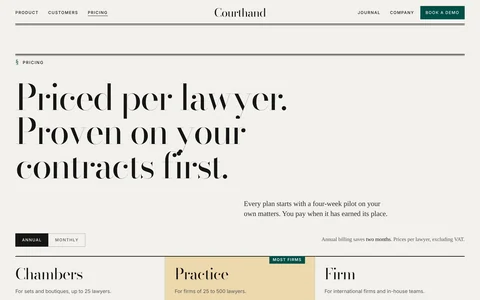
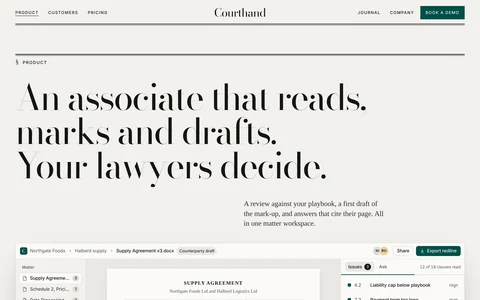
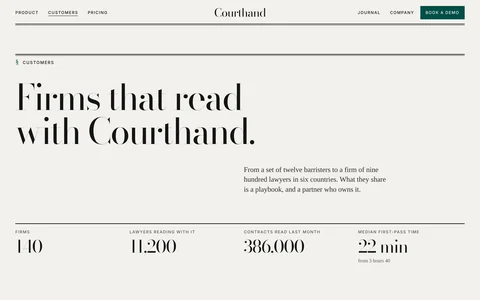
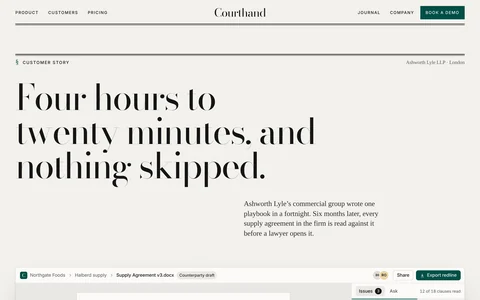
- Courthand: Editorial layout for legal tech: long-form type, a contract page with a live margin note and print-friendly styles.
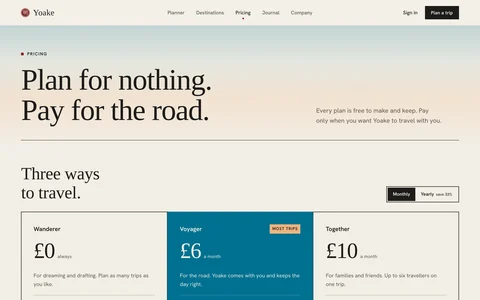
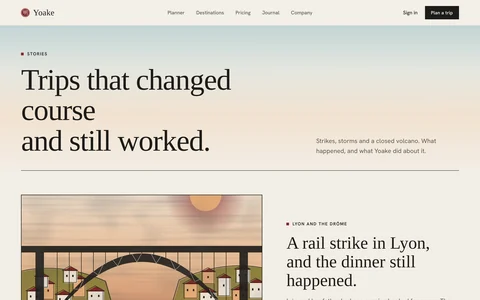
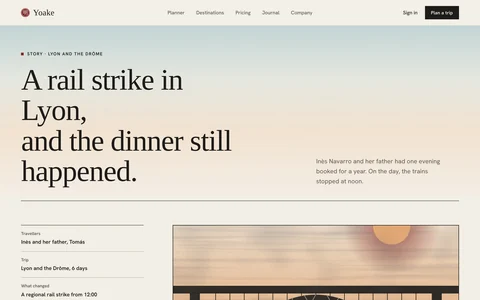
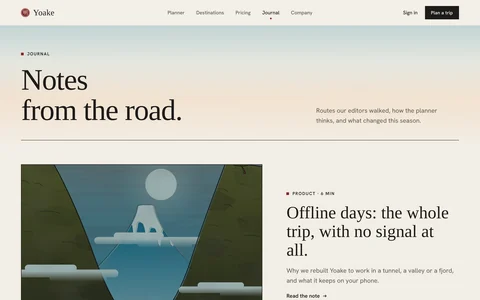
- Yoake: Woodblock-print styling and a planner that lays out nine days and re-plans them in the browser; a good test of how far CSS alone carries a strong look.
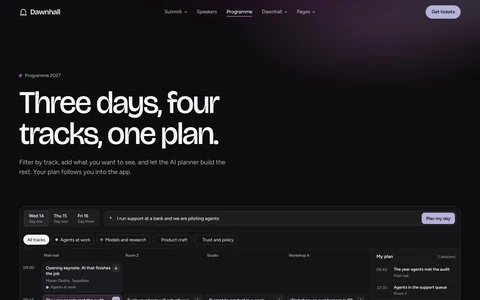
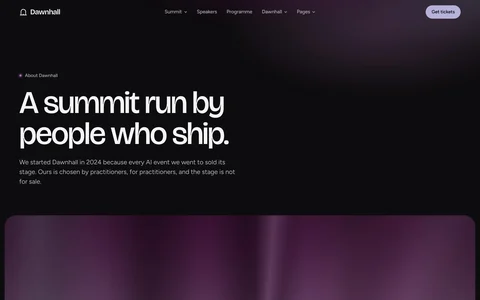
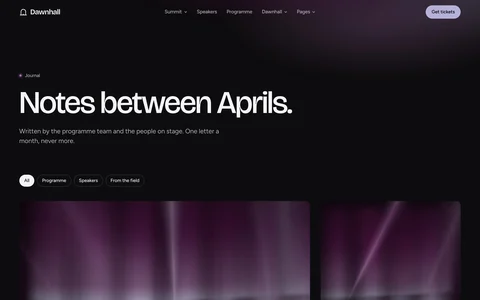
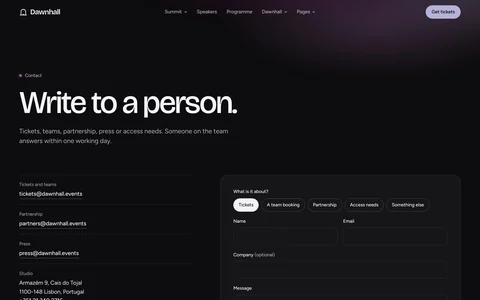
- Dawnhall: Event site with a live countdown, a programme planner and speaker pages, all static and easy to update before each edition.
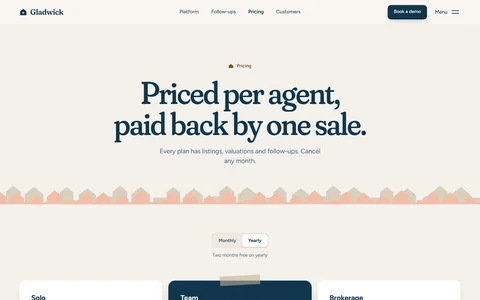
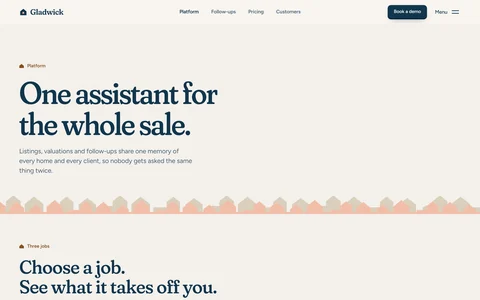
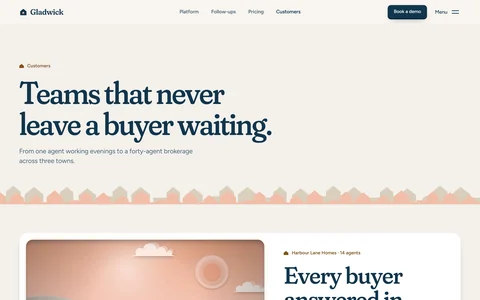
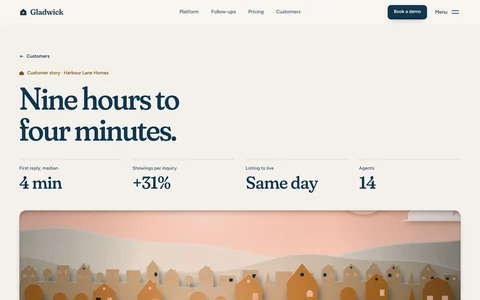
- Gladwick: Real estate with listing and neighbourhood pages, paper-cutout art and a layout that stays light on the network.
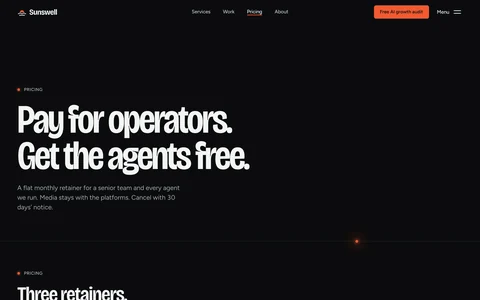
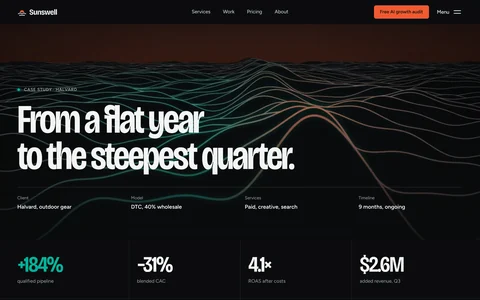
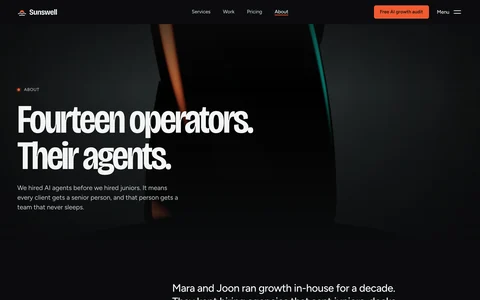
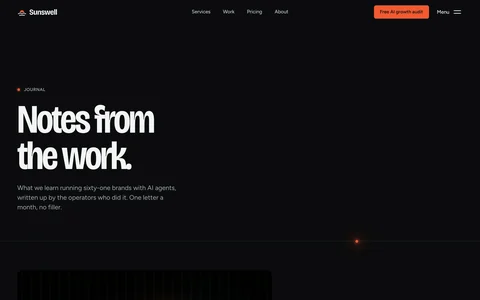
- Sunswell: Agency site with five generated films and a working growth audit form, showing video-heavy pages that still load fast.
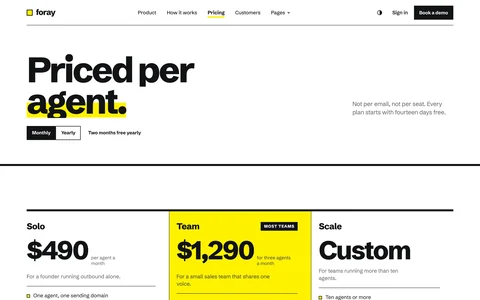
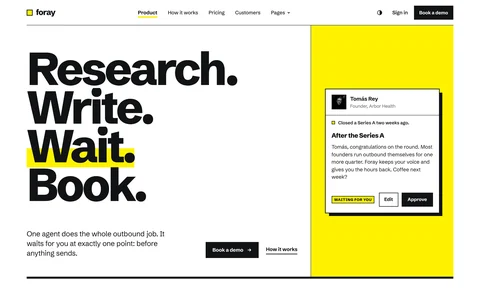
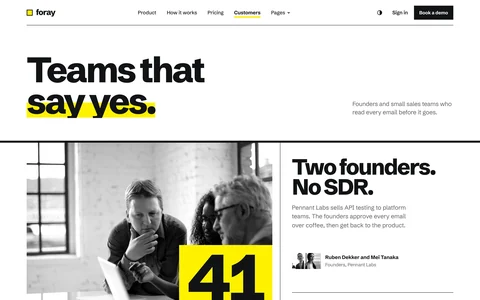
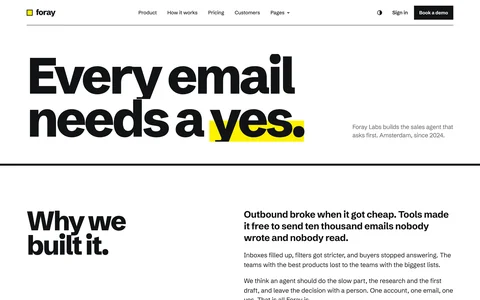
- Foray: A strict 12-column Swiss grid defined in a few lines of CSS, which makes it the easiest of the nine to restructure.
What's included
| Template | Pages | Ready today | Start-here guide | Extras ready | Price | Live preview |
|---|---|---|---|---|---|---|
| Halden Applied AI lab | 27 | Webflow, Astro, WordPress, HTML, Prompt pack, Framer | Yes | Founder kit, Launch kit, Pitch deck | $79 | Open the Halden demo (opens in a new tab) |
| Brightloft Indoor adventure park and family attraction | 27 | Astro, HTML, Prompt pack, WordPress | Yes | Pitch deck | $79 | Open the Brightloft demo (opens in a new tab) |
| Goldwake AI-planned global freight forwarding | 25 | Astro, WordPress, HTML, Prompt pack | Yes | Pitch deck | $79 | Open the Goldwake demo (opens in a new tab) |
| Courthand AI for law firms, contract review | 25 | Astro, HTML, Prompt pack, WordPress | Yes | Pitch deck | $79 | Open the Courthand demo (opens in a new tab) |
| Yoake AI travel planner | 29 | Astro, WordPress, HTML, Prompt pack | Yes | Pitch deck | $79 | Open the Yoake demo (opens in a new tab) |
| Dawnhall AI conference and summit | 27 | Astro, HTML, Prompt pack, WordPress | Yes | Pitch deck | $79 | Open the Dawnhall demo (opens in a new tab) |
| Gladwick AI for real estate | 26 | Astro, WordPress, HTML, Prompt pack | Yes | Pitch deck | $79 | Open the Gladwick demo (opens in a new tab) |
| Sunswell AI growth and performance-marketing studio | 22 | Astro, WordPress, HTML, Prompt pack | Yes | Pitch deck | $79 | Open the Sunswell demo (opens in a new tab) |
| Foray AI SDR and sales agent | 29 | Astro, WordPress, HTML, Prompt pack | Yes | Pitch deck | $79 | Open the Foray demo (opens in a new tab) |
Page counts are the site pages in each demo, not counting the password, 404 and coming-soon screens. Every paid template is one price for every format it ships in.
What's inside an HTML template folder
Open any of these downloads and you see the same layout, which is what makes them quick to learn:
- One HTML file per page (home.html, pricing.html, about.html and so on), with readable class names and comments marking each section.
- A css folder with the design tokens (colours, type scale, spacing, radii) as CSS custom properties at the top, then layout and component rules. Change a token and every page follows.
- A js folder with small, separate scripts for the menu, theme switch, reveals, tabs and the interactive mock-ups. Each one does nothing if its markup is missing, so deleting a section never breaks a page.
- An assets folder with fonts (self-hosted, licensed for the web), images in WebP and AVIF, and video posters.
- start-here.html, which lists every page, the files to edit for brand, colour and type, and the licences of every font and image.
HTML, a site builder or a framework: how to choose
The same design can reach you as HTML, as a Framer or Webflow project, or as an Astro project. They suit different teams:
- Plain HTML suits a team with one developer, or anyone using a coding agent. Hosting is free or close to it, there are no dependencies to update, and the site will still open in ten years.
- A site builder (Framer, Webflow) suits marketers who edit pages every week without a developer. You pay a monthly plan and live inside its editor, but you get a visual canvas and a built-in CMS.
- A framework such as Astro or Next.js suits a product team that already runs a build pipeline and wants shared components, Markdown content collections or server-side features.
- Starting in HTML doesn't lock you in. The markup moves into Astro or React components with little change, and a coding agent can do the split in an afternoon.
Publish it on a static host
Every major static host accepts a plain folder. The fastest routes:
- Netlify: drag the unzipped folder onto the Sites page. You get a live URL in seconds; connect a Git repository later for deploys on every push.
- Cloudflare Pages: create a project, choose direct upload and drop the folder, or connect a repository with no build command and the root as the output directory.
- Vercel: import the repository, set the framework preset to Other and leave the build command empty.
- GitHub Pages: push the folder to a repository, then turn on Pages for the main branch in the repository settings.
- Your own server or a bucket (S3, Google Cloud Storage): copy the files up and point the web server's root at the folder.
Each template uses relative links between pages, so the site works from a subfolder as well as a domain root.
Before you launch: a short checklist
- Set your domain in the canonical and Open Graph tags; each page's head has them in one block.
- Replace the demo form handlers with your own (a form service, a serverless function or your CRM's embed).
- Delete the pages you don't need and search the folder for links to them.
- Run a link checker and Lighthouse on the home page and one inner page.
- Add analytics and a cookie notice if your analytics needs one; the templates ship a hidden banner you can switch on.
Questions
Do the HTML templates use Bootstrap, Tailwind or jQuery?
No. Each is hand-written HTML and CSS with design tokens as custom properties, plus small vanilla JavaScript files. There is nothing to install or upgrade.
Can I move an HTML template into Astro, Next.js or React later?
Yes. The sections are self-contained blocks, so they become components with little change. Meetly already ships an Astro edition, and the blog has a step-by-step guide to moving a template to Astro.
How do I add a blog or CMS to a static HTML site?
Either keep the blog as plain files and add a new page per post, or connect a headless CMS and render posts at build time. If you want a visual CMS without code, choose a Framer or Webflow edition where one is ready.
Will the forms work on a static host?
The forms are fully styled but post to a demo handler. Point them at a form service, your host's form feature (Netlify and Cloudflare both have one) or your own endpoint.
Is hosting really free?
For most marketing sites, yes: Netlify, Cloudflare Pages, Vercel and GitHub Pages all have free tiers that cover a static site with normal traffic.
Keep looking
- Website templates for Claude Code
- Website templates for Cursor
- SaaS website templates
- Website templates with a real dark mode
- How to convert an HTML template to Astro, step by step
- Framer vs Webflow vs Astro for a startup marketing site
- Website template accessibility: a practical checklist
- Every collection
- The full catalogue