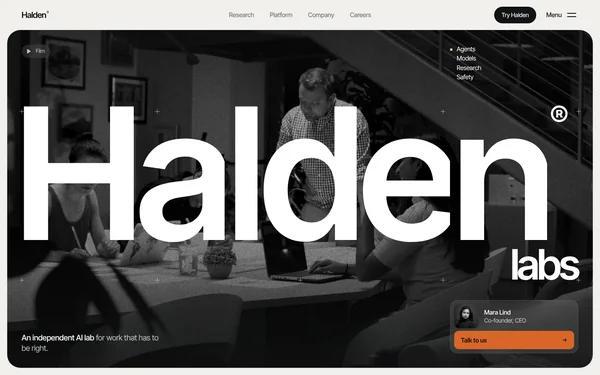
Halden HubSpot theme
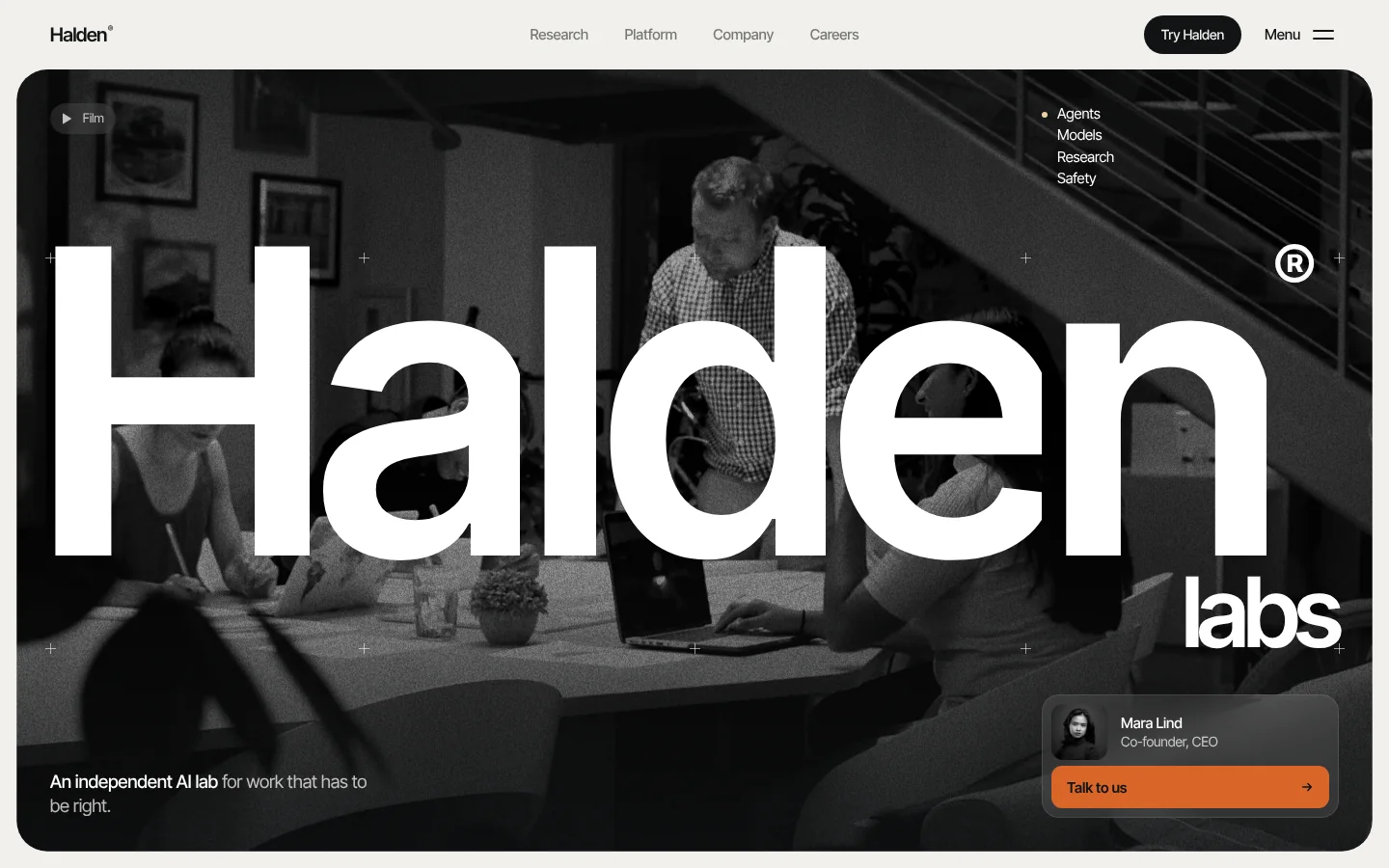
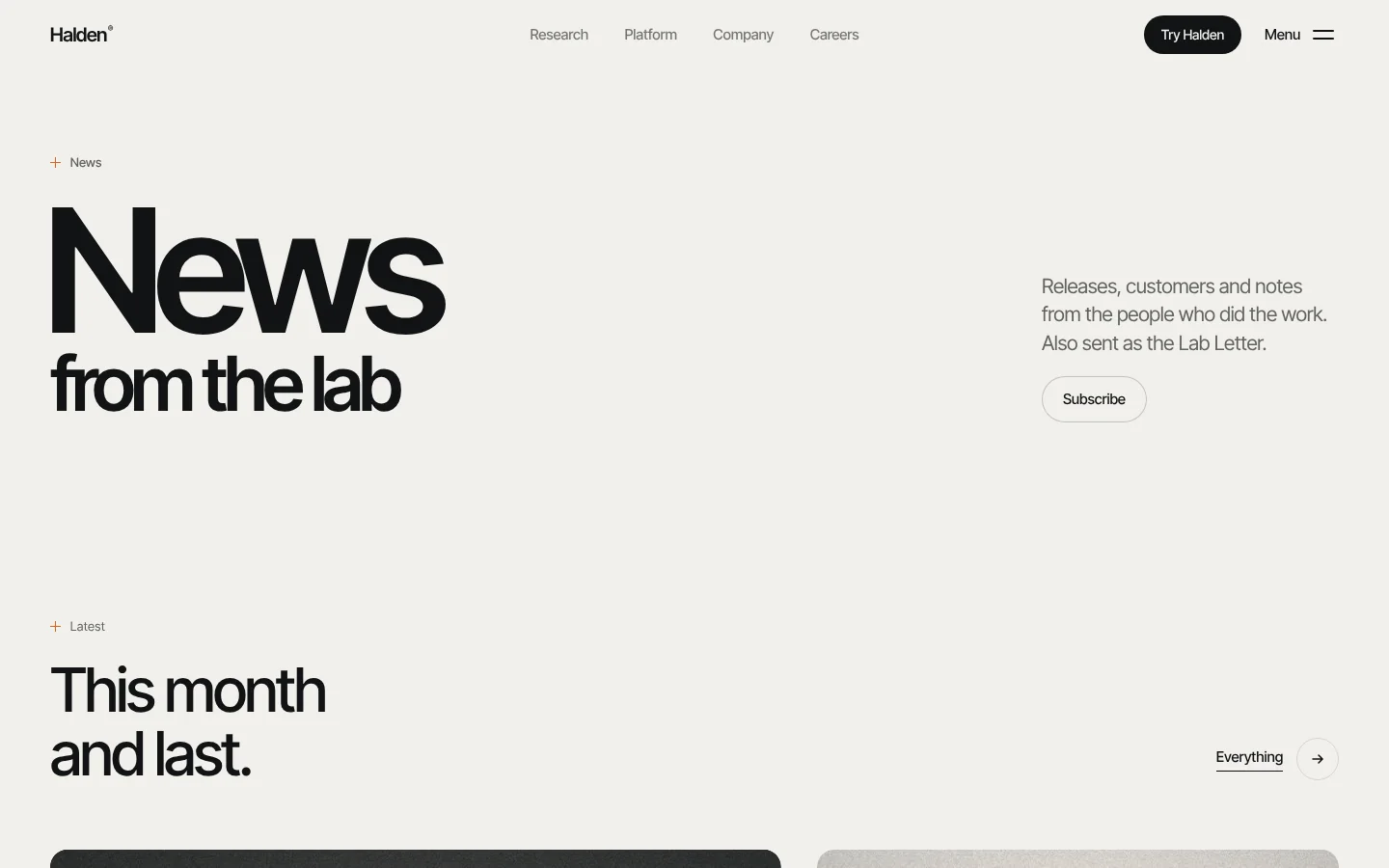
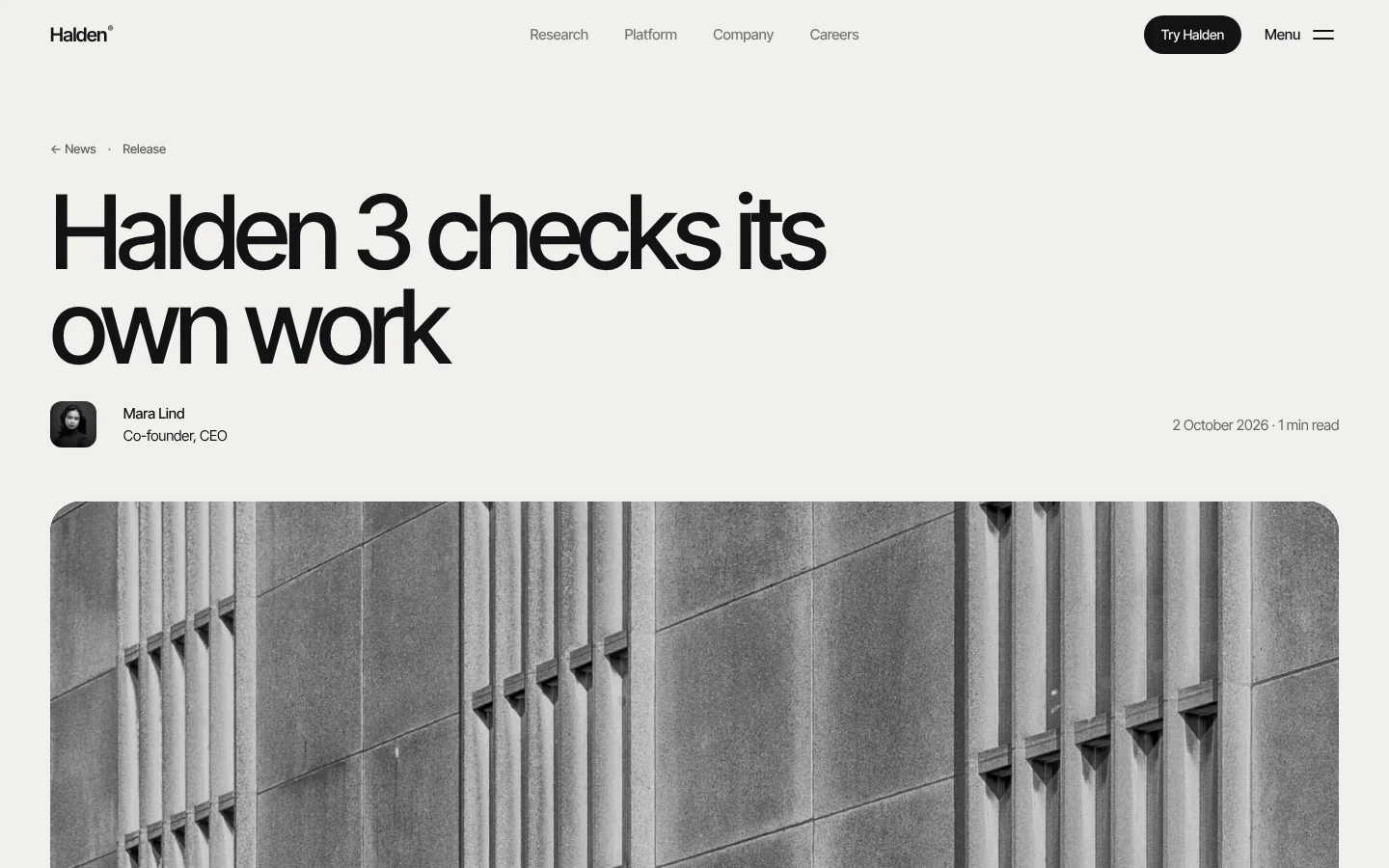
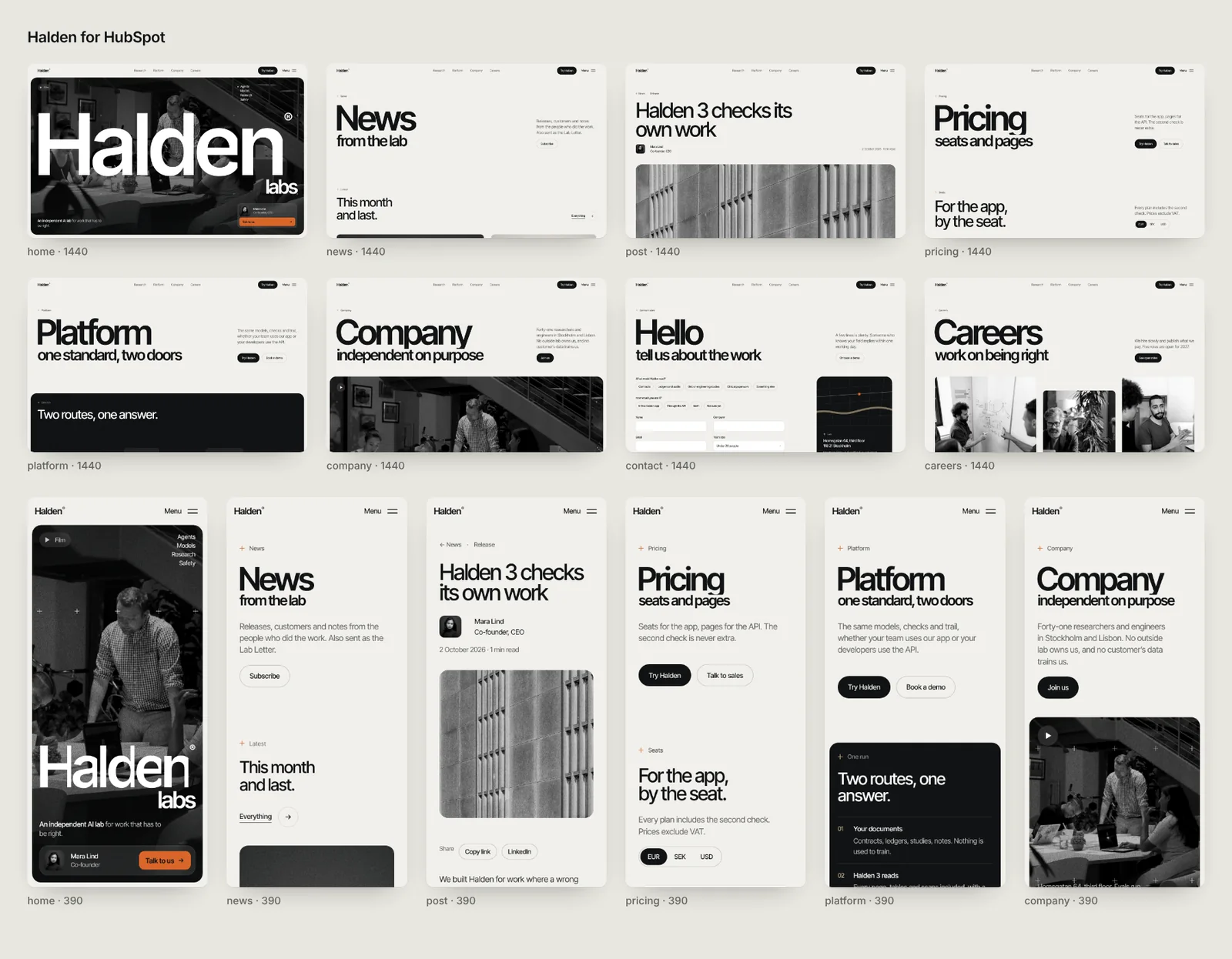
Halden as a HubSpot CMS theme: 19 drag-and-drop page templates, every section an editable module, blog and system pages.
Included with Everything
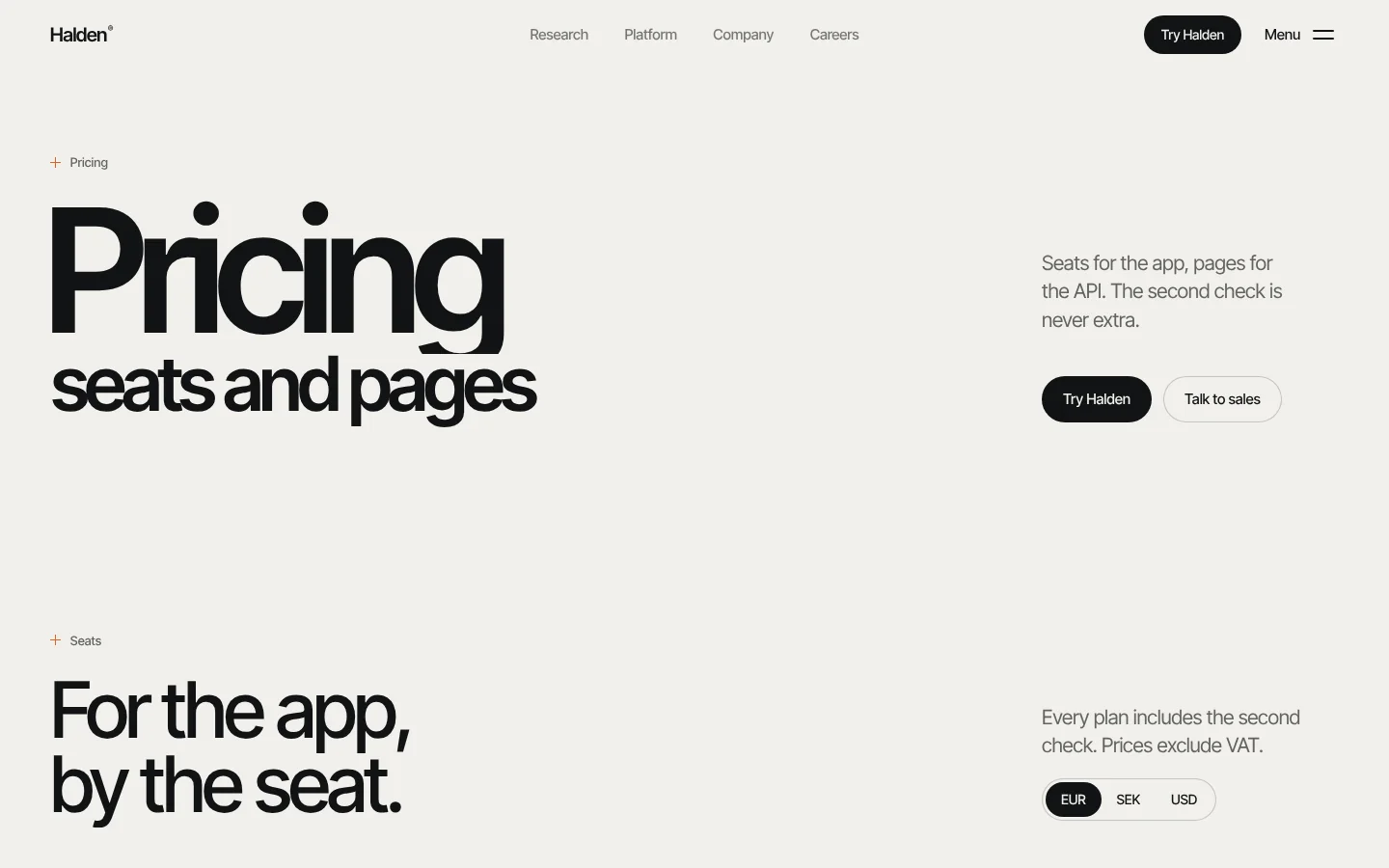
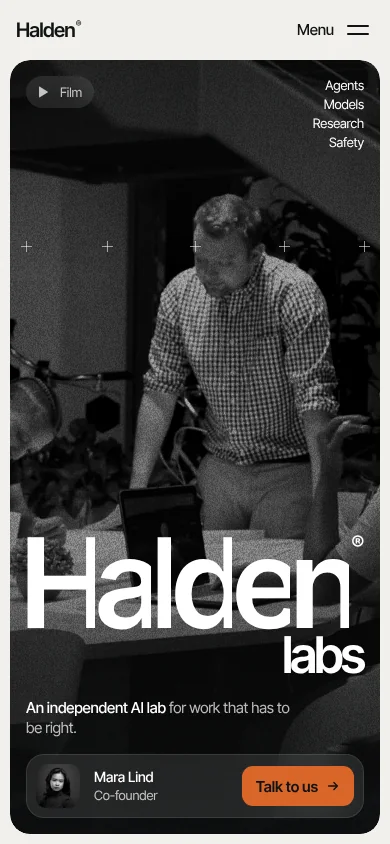
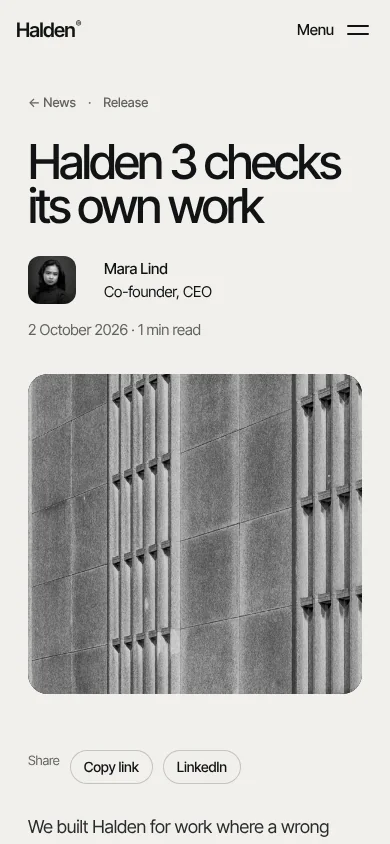
- Brand
- Halden
- Platform
- HubSpot
- Templates
- 28
- Download
- 5.4 MB zip
Formats
- HubSpot CMS theme, HubL
- Drag-and-drop modules and theme settings
- Blog listing and post templates
- Install steps
Checked
- HubSpot offline validation (fields, modules, templates, paths, HubL tags): 0 errors, 0 warnings
- All 31 templates render as HubL (36 pages with demo content); 72 modules
- 9 pages at 1440 and 390 px: no console errors, no horizontal overflow
- No italic type (computed font-style on every text node)
- Headline accent words set like the rest of the headline
How to install it
- Install the HubSpot CLI (npm i -g @hubspot/cli) and run hs init.
- Upload the theme: hs upload <theme folder> <theme name>.
- Create pages from its templates, and set colours and fonts under Theme settings.