# The HTML edition
> The HTML edition is the template itself: plain HTML, CSS and JavaScript with no framework and no build step. Every page is a file you can open, and every setting lives in a couple of small files.
## Run it locally
Unzip it and open any page in your browser. A local server is better, because video, fonts and some scripts behave as they will online:
npx:
```shell
$ npx serve .
```
Python:
```shell
$ python3 -m http.server 8000
```
VS Code:
```text
Install the Live Server extension, then right-click home.html → Open with Live Server
```
## What is in the folder
Click through the real Halden edition. Every template follows the same idea; its own **Start here** page names the exact files.
Halden · HTML edition:
- `home.html`: The first of three home pages. Open any page straight from disk or through a local server.
- `pricing.html`: One file per page: 30 in Halden, from pricing and careers to sign-in, 404 and password.
- `start-here.html`: The template's own guide: what is inside, where every setting lives, how to swap the film and the mock-ups. Open it first.
- `style-guide.html`: Colours, type, buttons and components on one page, so you can check a change everywhere at once.
- `licences.html`: Every photo, film and font in the template with its source and licence.
- `changelog.html`: What changed in each version. Updates arrive through the same download.
- `assets/`
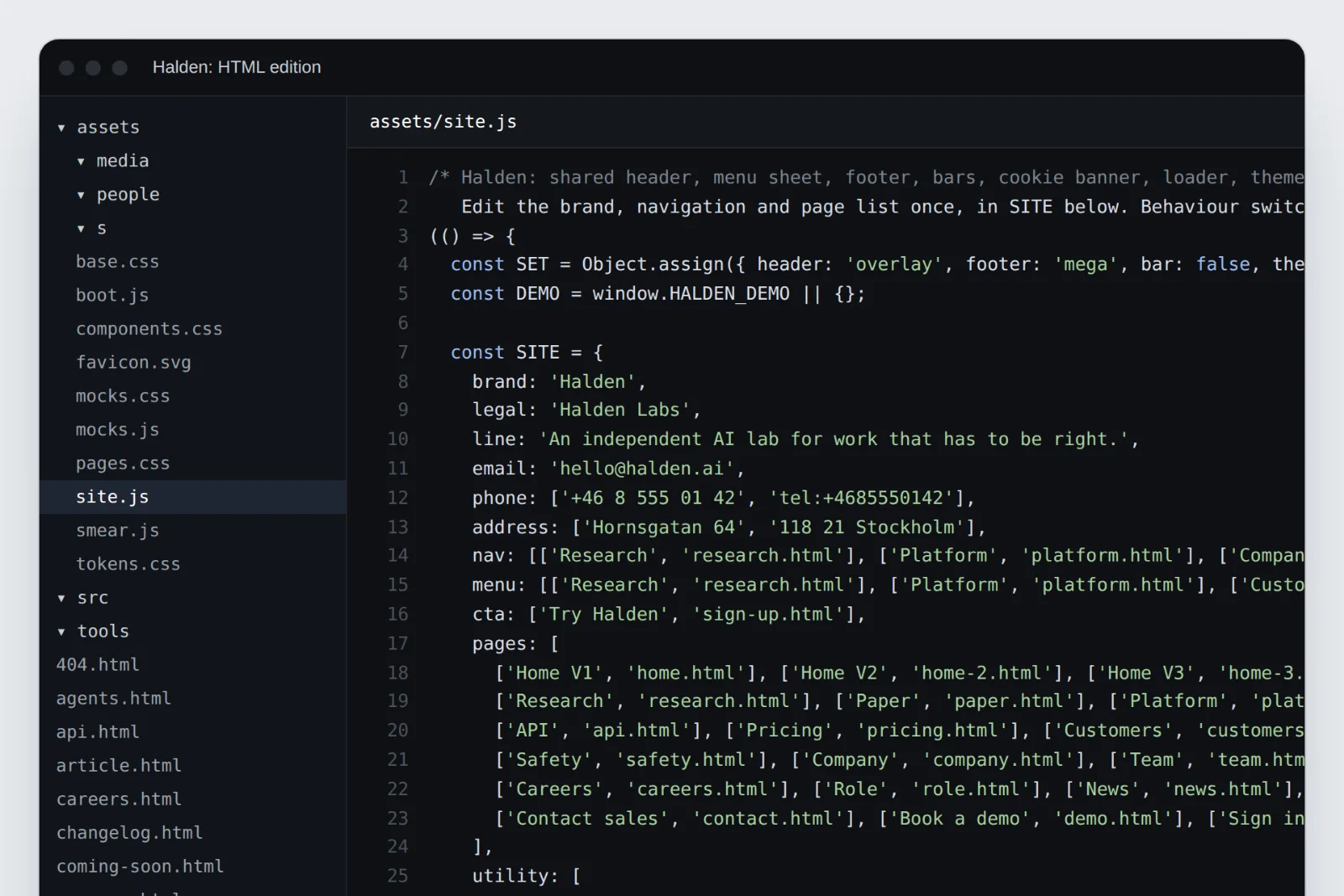
- `site.js`: The brand name, contact details, navigation, page list and footer columns, in one `SITE` object at the top. Change them once and every page follows.
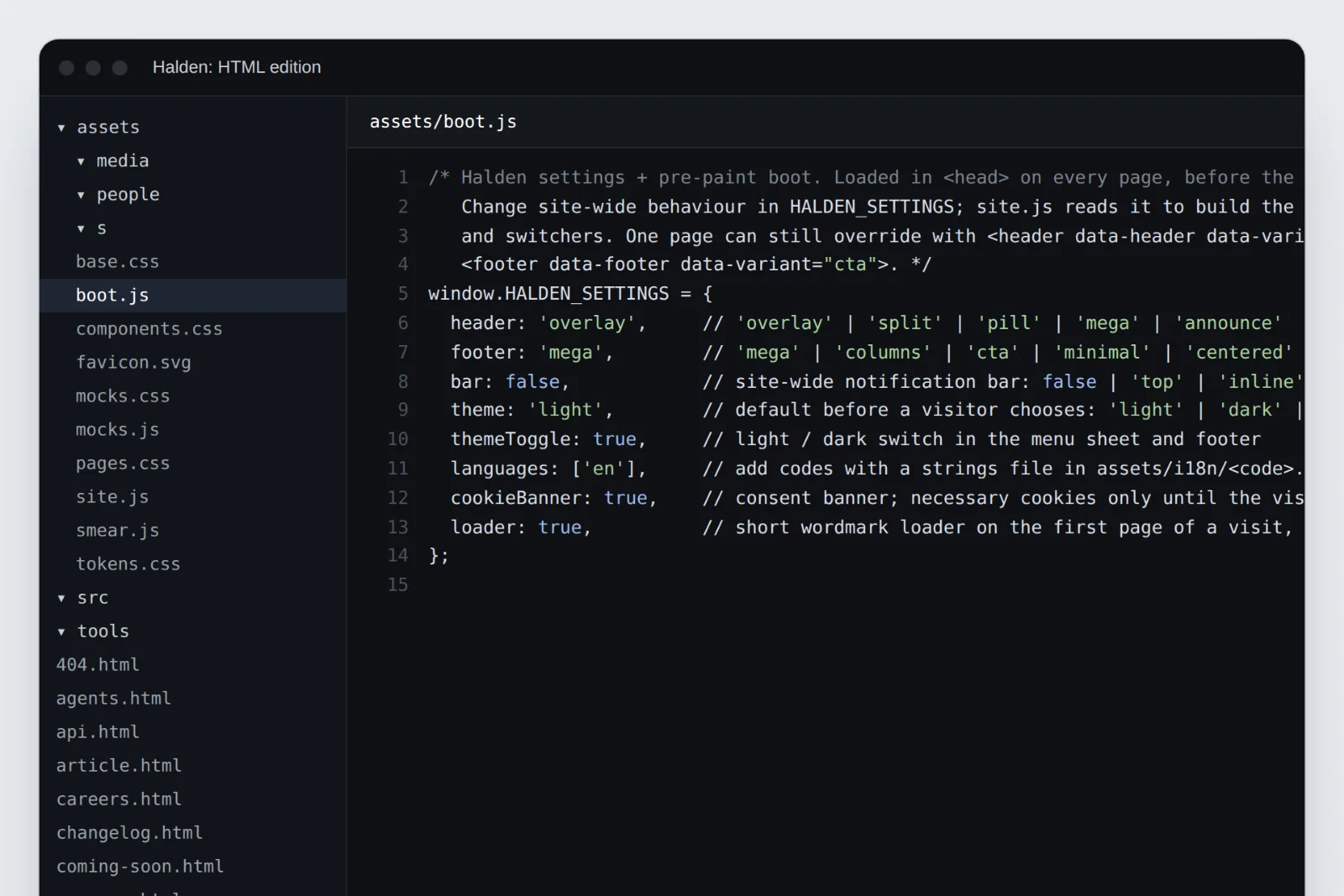
- `boot.js`: Site-wide switches in `HALDEN_SETTINGS`: header and footer layouts, the notification bar, default theme, languages, cookie banner and loader.
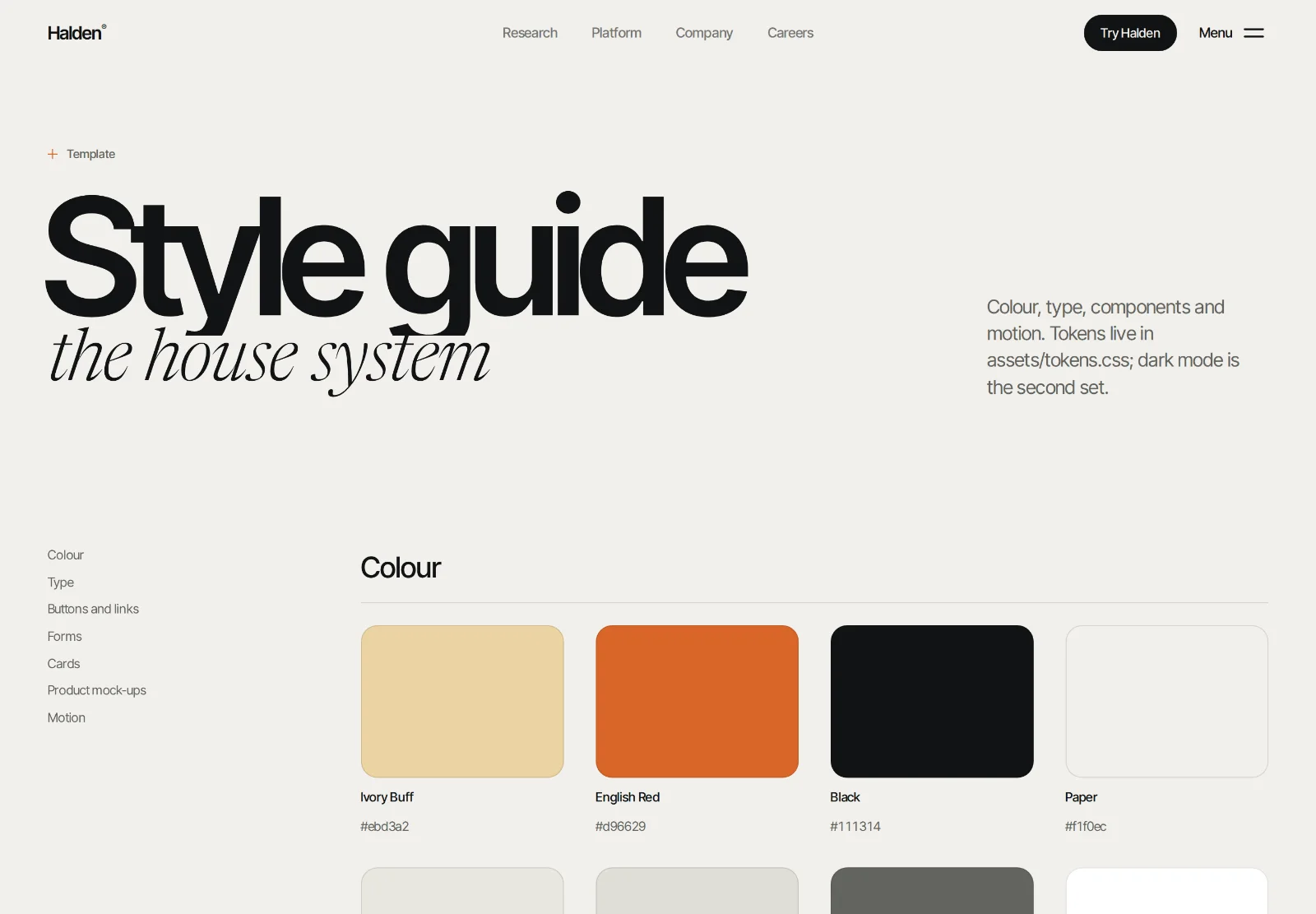
- `tokens.css`: The design tokens: palette, surfaces, type and radii as CSS custom properties. Change a colour here and the whole site follows.
- `base.css`: Type, layout and the shared header, footer and menu.
- `components.css`: Buttons, cards, forms, tabs and the rest of the parts every page uses.
- `pages.css`: Styles that belong to one page.
- `media`: The film, its poster and the images. Replace them with your own; keep the film under 6 MB.
- `people`: Portrait photos. Replace them with your own team before launch.
## Change the brand once
The header, footer, menu sheet and page lists are built from one object at the top of `assets/site.js`. Change the brand name, legal name, contact details and links there, and every page follows:
## Site-wide settings
Layouts and behaviour are switches in `assets/boot.js`, one object per template (`HALDEN_SETTINGS`, `MEETLY_SETTINGS` and so on):
```js
window.HALDEN_SETTINGS = {
header: 'overlay', // 'overlay' | 'split' | 'pill' | 'mega' | 'announce'
footer: 'mega', // 'mega' | 'columns' | 'cta' | 'minimal' | 'centered'
bar: false, // notification bar: false | 'top' | 'inline' | 'float'
theme: 'light', // 'light' | 'dark' | 'system'
themeToggle: true,
languages: ['en'], // add codes with a strings file in assets/i18n/.js
cookieBanner: true,
loader: true,
};
```
One page can still use a different layout: ``.
## Colours and fonts
Every colour, surface and radius is a CSS custom property in `assets/tokens.css`. Change `--accent` and every button, dot and rule changes with it. Fonts are named there too; the [style guide](https://frontiertemplates.com/docs/images-fonts-licences#fonts) page shows them all at once.
## Forms, analytics and SEO
- **Forms** show their success message but send nothing until you connect them. Point the form's `action` at Formspree, Basin, Netlify Forms or your own endpoint.
- **Analytics** aren't included. Templates with a cookie banner fire a consent event (Halden: `halden:consent`) you can load your analytics on.
- **SEO**: every page has its title, description and social image in its ``. Set your domain in canonical and `og:url` tags before launch; your template's Start here page shows where.
## Host it
Upload the folder to any static host. There is nothing to build. Step-by-step for Vercel, Netlify and Cloudflare Pages in [Deploying](https://frontiertemplates.com/docs/deploying).
---
Source: https://frontiertemplates.com/docs/html · All guides: https://frontiertemplates.com/docs